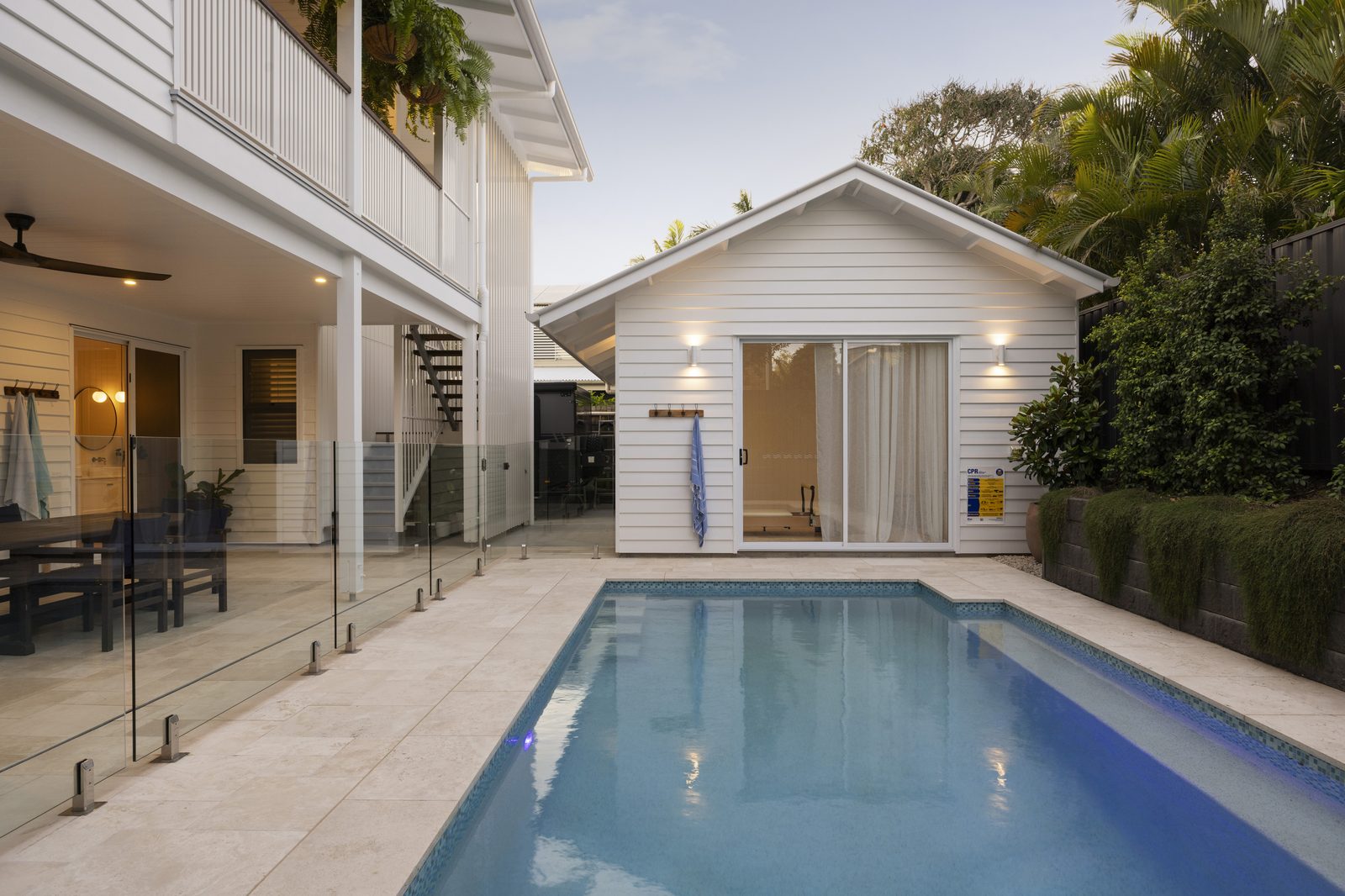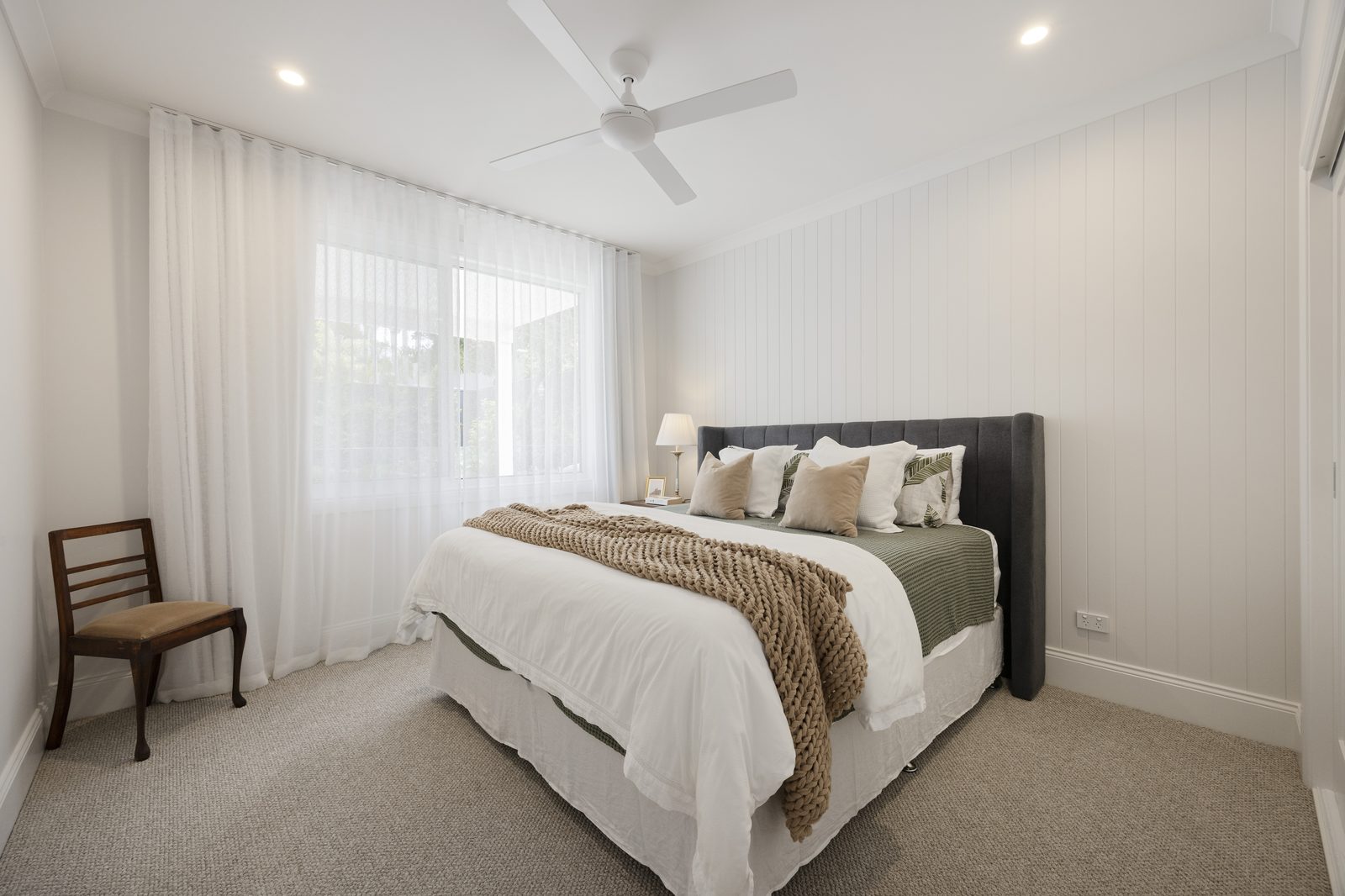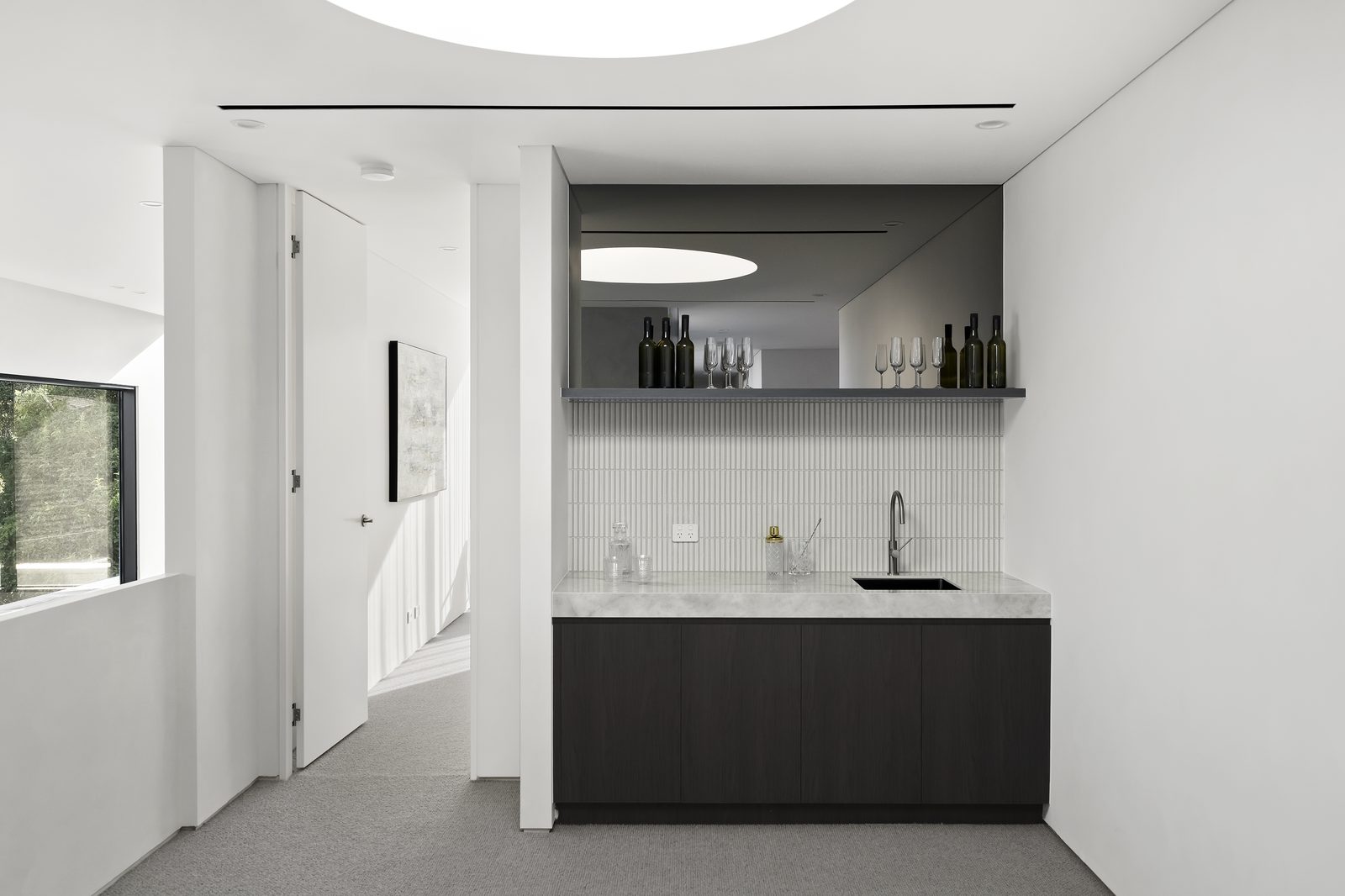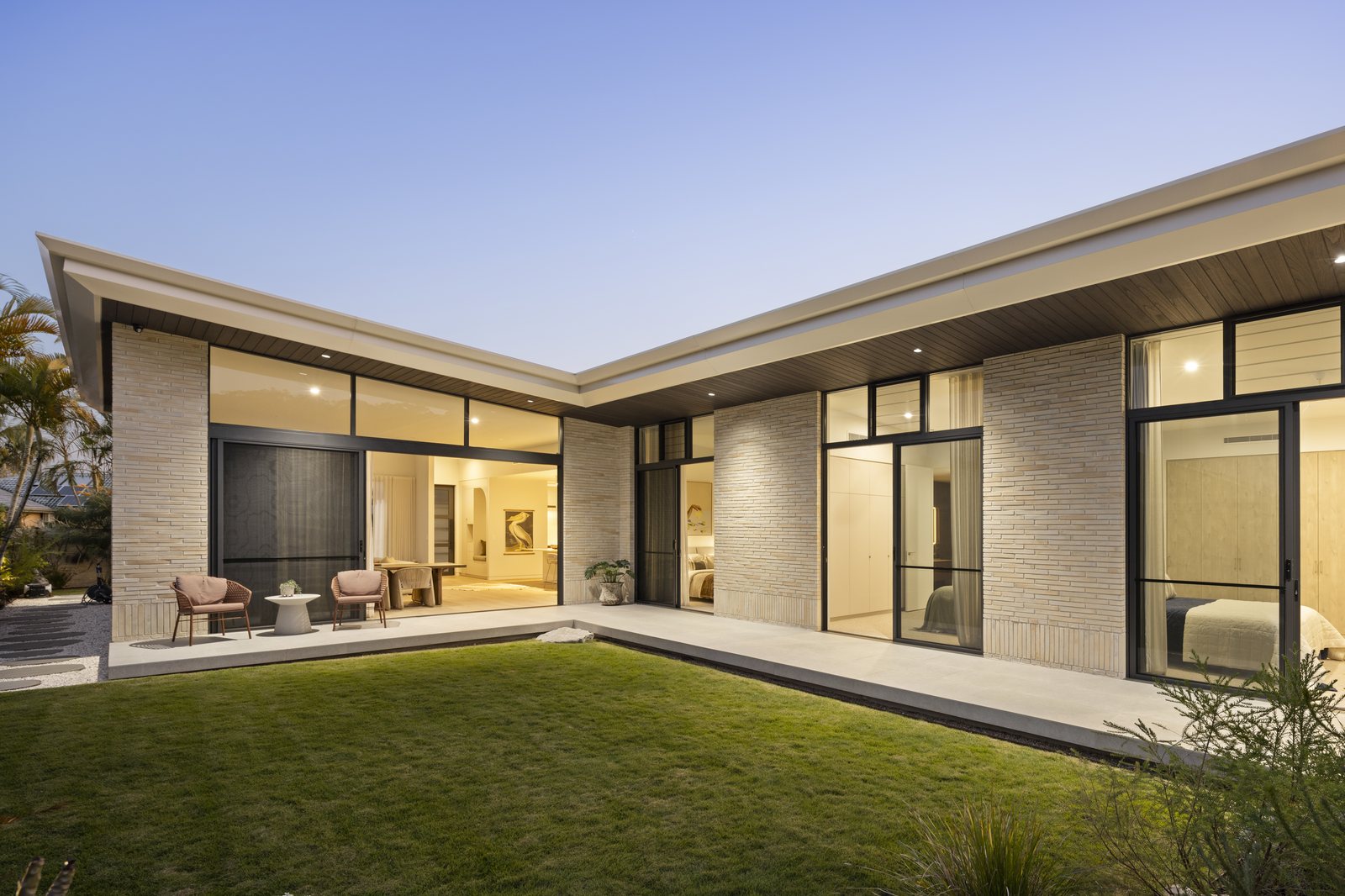
Real Estate Image Blending Services: Multi-Bracket Exposure & Manual Masking
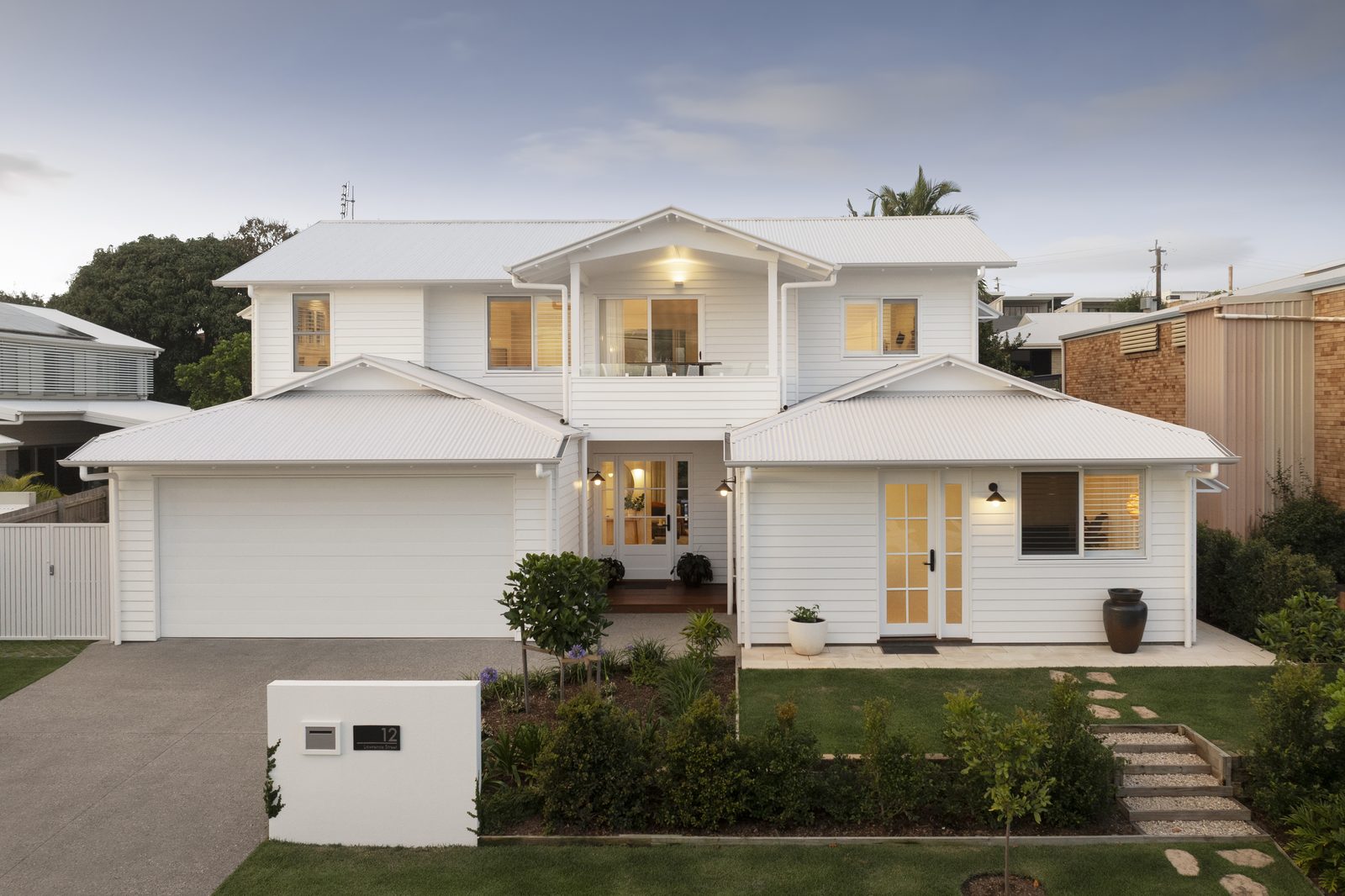
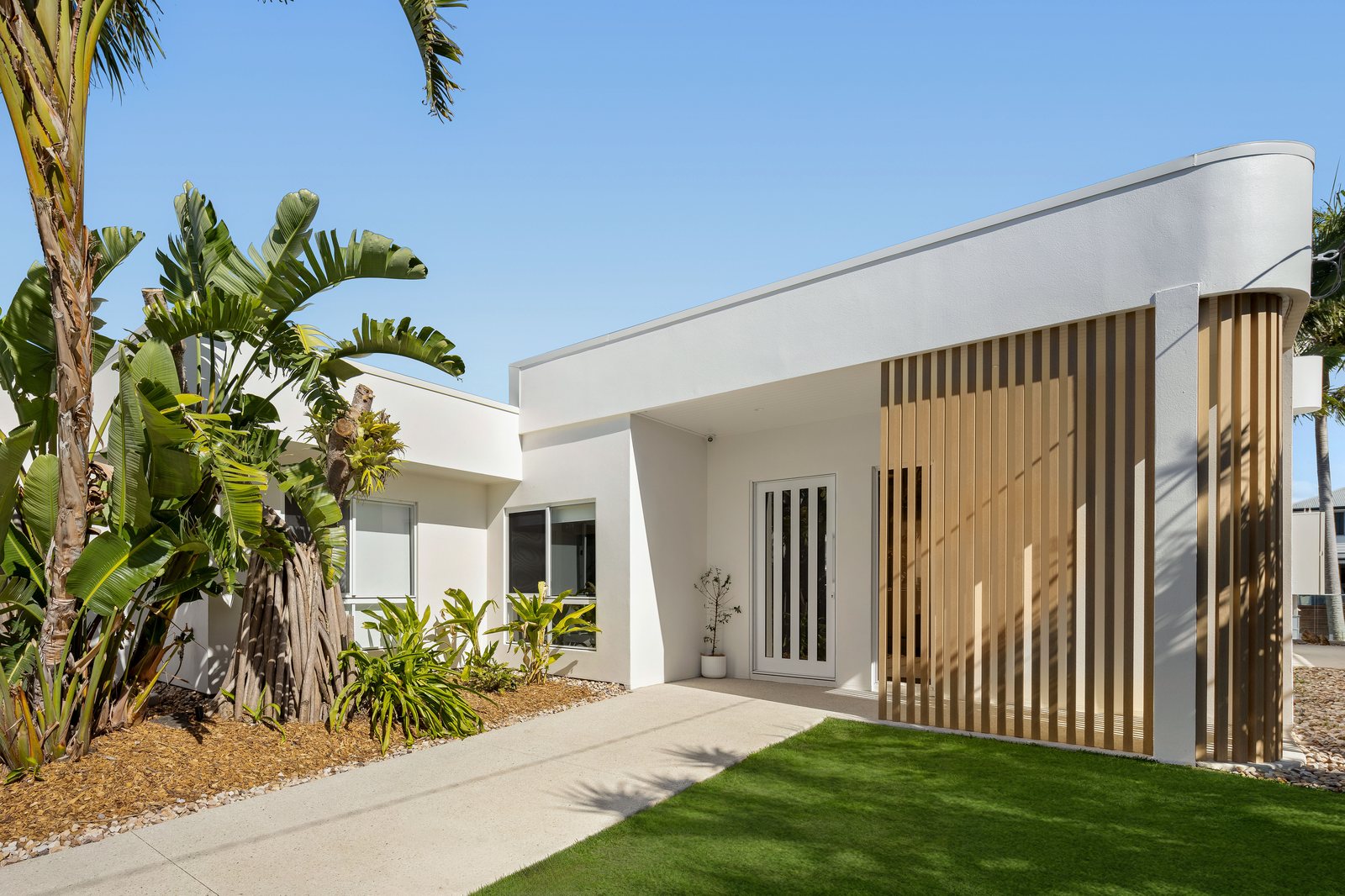
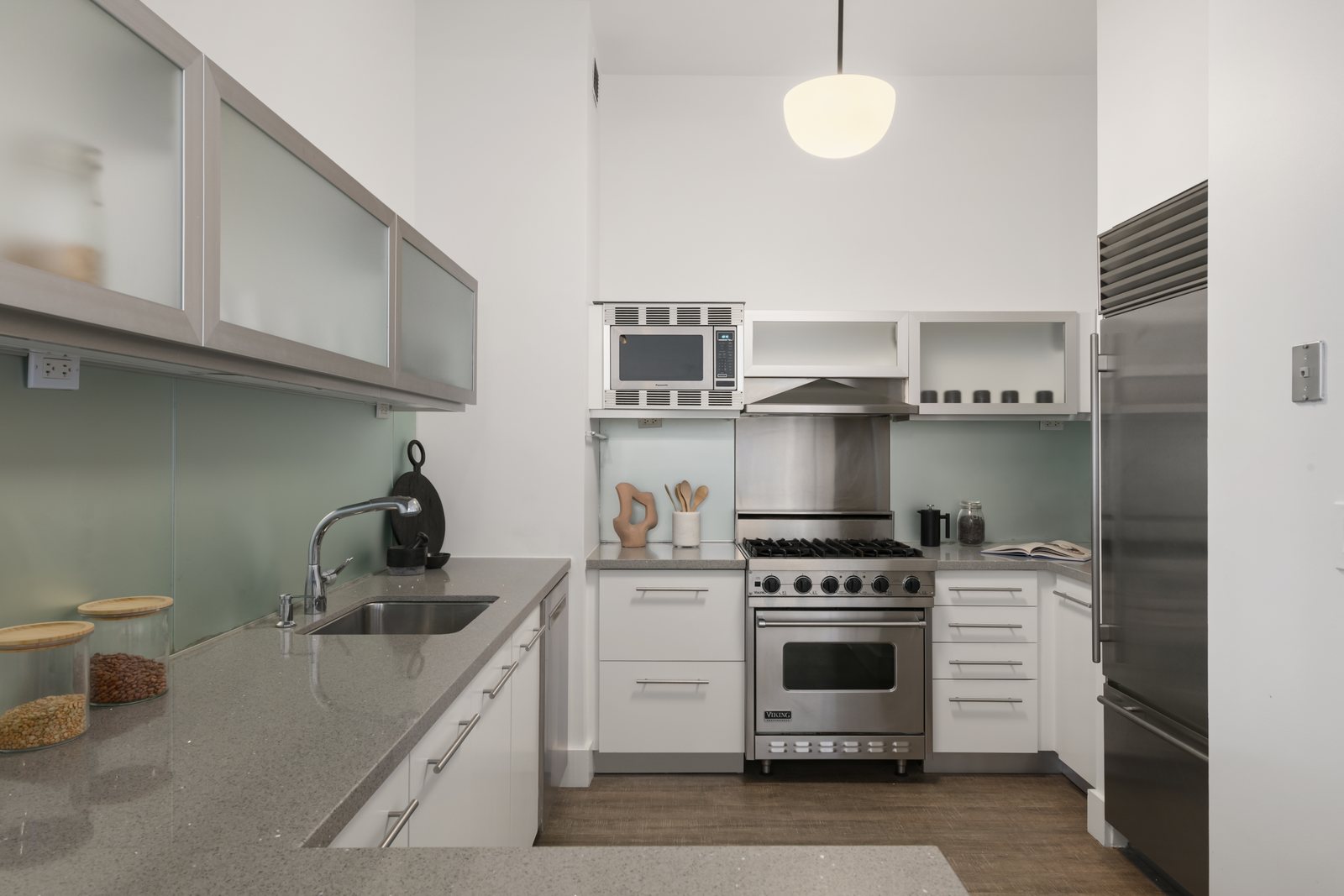
Outsourced real estate image blending services allow high-volume photography studios and media agencies to transform 3 to 7 bracketed RAW exposures into crisp, natural property visuals without spending evenings behind Photoshop. At PSVN, our 80+ dedicated editors in Vietnam deliver precision multi-bracket exposure blending—from Basic editing at $0.60 USD (A$0.90 AUD · £0.50 GBP) and Standard HDR / Flambient blending at $1.20 USD (A$1.80 AUD · £0.95 GBP) to Advance ($3.00) and Architectural ($4.00) retouching—all backed by a guaranteed 12-hour overnight SLA.
By Khanh Tran & PSVN Post-Production QC Team · Updated October 31, 2026
Why Automated HDR Software Fails Compared to Manual Real Estate Image Blending Services
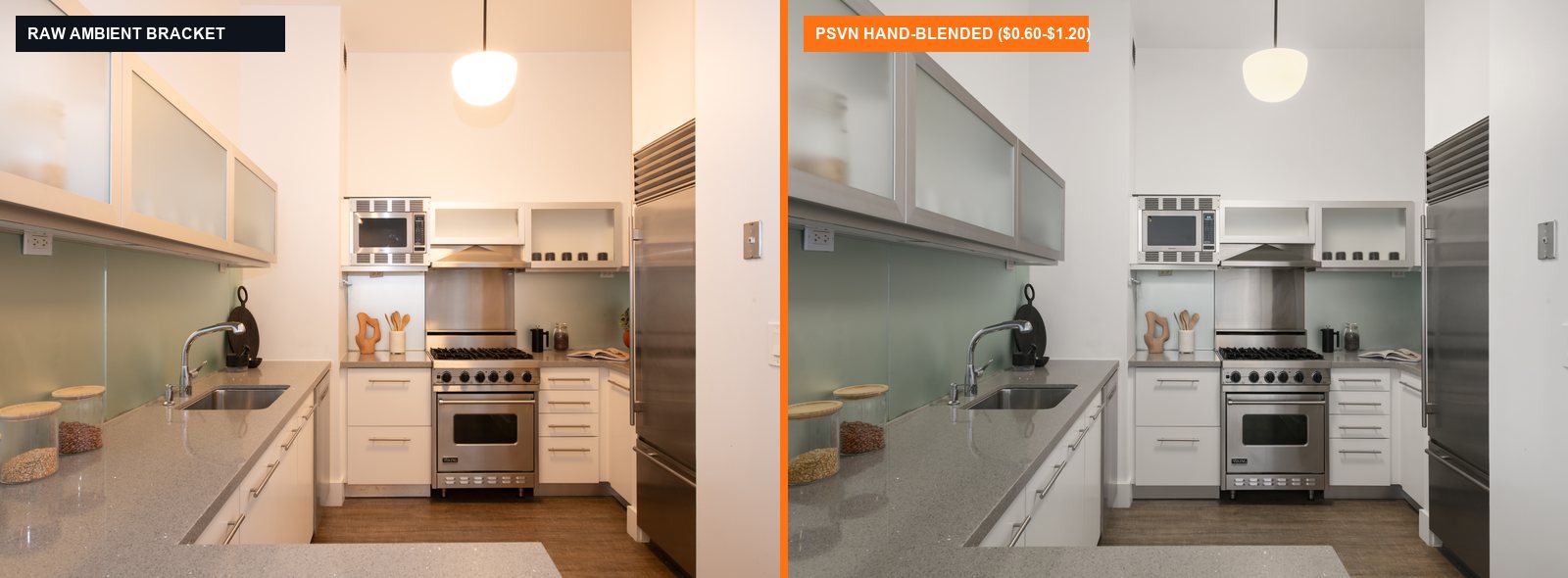
When real estate photographers run 3 or 5 brackets through automated desktop batch tools (such as Lightroom HDR Merge, Photomatix, or Enfuse), tone-mapping algorithms treat every pixel equally—producing four classic artifacts that top realtors immediately reject:
- Muddy Grey Midtones & Inverted Window Halos: Global tone mapping compresses highlights and shadows toward middle grey, creating dark glowing halos around window frames and white kitchen cabinets.
- Washed-Out Hardwood Floors & Desaturated Wood Grain: Automated blending mixes the blown-out
+2 EVexposure into the floor, stripping oak and walnut floors of their natural contrast and depth. - Mixed Kelvin Color Casts (
2700Kvs.5500K): Batch software cannot separate warm tungsten chandelier light from cool daylight streaming through sliding glass doors, leaving ceilings splotchy yellow and blue. - Ghosting on Moving Trees, Ceiling Fans & Drapes: Wind-blown exterior foliage visible through windows blurs into double-exposed ghost edges unless a human editor masks the window from a single sharp
-2 EVframe.
| Blending Tier | Bracket Input | Manual Masking & Channel Workflow | PSVN Studio Rate (USD / AUD / GBP) |
|---|---|---|---|
| Basic Editing | Single RAW or simple 3-bracket interior/exterior | Exposure balancing, vertical alignment, white balance neutralization & blue sky swap | from $0.60 USD / photo (A$0.90 AUD · £0.50 GBP) |
| Standard Editing (HDR / Flambient) | 3–5 AEB brackets or Ambient + Flash brackets | Hand-painted luminosity masks, Pen-Tool window pulls, color cast removal, cord/blemish cleanup & fireplace fire | $1.20 USD / photo (A$1.80 AUD · £0.95 GBP) |
| Twilight Photo Editing (Color Cast Removal) | 3–5 sunset / dusk brackets | Multi-exposure dusk horizon blending + severe interior/exterior Kelvin color cast neutralization | $1.80 USD / photo (A$2.70 AUD · £1.45 GBP) |
| Advance Editing | 5–9 complex brackets + multi-pop flash | Deep shadow sculpting, complex glass/mirror glare reconstruction & minor object cleanup | from $3.00 USD / photo (A$4.50 AUD · £2.40 GBP) |
| Architectural Editing | Multi-flash + ambient composite brackets | Magazine-grade editorial lighting preservation, bespoke color grading & micro-texture retouching | $4.00 USD / photo (A$6.00 AUD · £3.20 GBP) |
Inside PSVN’s 5-Step Manual Exposure Blending Architecture
As benchmarked in our best real estate photo editing services & companies guide, PSVN operates as a dedicated B2B post-production factory processing 4,000+ property visuals daily. Every bracketed set uploaded to our real estate photo editing service goes through five non-destructive stages:
1. RAW Chromatic Aberration, Lens Profile & Vertical Plumb Alignment
Before merging exposures, our editors process your .CR3, .ARW, .NEF, .DNG, or .RAF files in Camera Raw—eliminating purple/green window-frame fringing and locking 100% plumb vertical wall lines across ultra-wide 14mm–16mm architectural lenses.
2. Base Ambient & Shadow Bracket Luminosity Merging
Rather than flattening dynamic range, we stack your exposures from brightest (+2 EV) to darkest (-2 EV or -4 EV) and blend transitions using 16-bit luminosity masks and soft 0% hardness brushes. This keeps directional shadow depth under furniture while opening up dark hallways naturally (see our HDR vs. Flambient real estate photography comparison).
3. Flash Color & Ambient Luminosity Separation (Flambient Workflow)
When you provide one or more strobe pops alongside your ambient brackets, our editors apply our Flambient blending workflow:
* The flash exposure supplies accurate, cast-free color on white ceilings, walls, and cabinetry.
* The ambient exposure (Luminosity mode at 60%–80% opacity) supplies natural daylight shadow direction and eliminates flash glare hotspots on hardwood floors.
4. Precision Pen-Tool & Darken Mode Window Pulls
To prevent the grey halos common in cheap real estate image blending services, our editors trace complex window mullions and sliding glass doors with the Pen Tool (0.5px–1.0px feather) or blend your dedicated window-pull flash frame in Darken / Luminosity mode—delivering crystal-clear exterior views as detailed in our window pull real estate photo editing guide.
5. Layer-2 Senior QC Inspection at 100% Zoom
Every blended image is audited by an independent Senior QC Inspector under our 2-Layer Quality Control system before being uploaded to your Dropbox, Google Drive, or FTP folder before 8:00 AM local time.
Frequently Asked Questions
How many RAW brackets should I send for PSVN’s real estate image blending services?
For standard HDR blending ($1.20 USD), we recommend 3 to 5 auto-exposure brackets (AEB) spaced at 2.0 EV (-2, 0, +2 or -4, -2, 0, +2, +4). For Flambient blending ($1.20 USD), send 1–3 ambient brackets plus 1–2 flash frames (including a darkened window-pull pop if shooting bright coastal or high-rise views). For budget rental listings, our $0.60 USD Basic tier handles single exposures and fast 3-bracket merges.
Do you support Sony .ARW, Canon .CR3, Nikon .NEF, and Adobe .DNG files?
Yes. Our production pipelines natively support full-resolution CR2, CR3, NEF, ARW, DNG, RAF, ORF, RW2, TIFF, and JPG files, as well as compressed Lightroom Smart Previews (.lrdata / DNG catalogs) for rapid upload over cellular connections.
Can my studio lock in a dedicated team of image blenders for daily orders?
Yes. Studios uploading regular weekly volume are assigned a dedicated editing pod trained exclusively on your preferred window pull brightness (75% airy vs. 90% crisp), grass green hue, and sky library.
How can I test PSVN’s real estate image blending services before switching providers?
Submit 3 to 5 RAW bracketed photo sets on our Start Free Trial page. We will hand-blend your images to your exact specifications in 12 hours at 100% zero cost, plus include 10% off your first month’s invoice.
Related Editorial Guides
View All 65 Guides