Oct 22, 2026
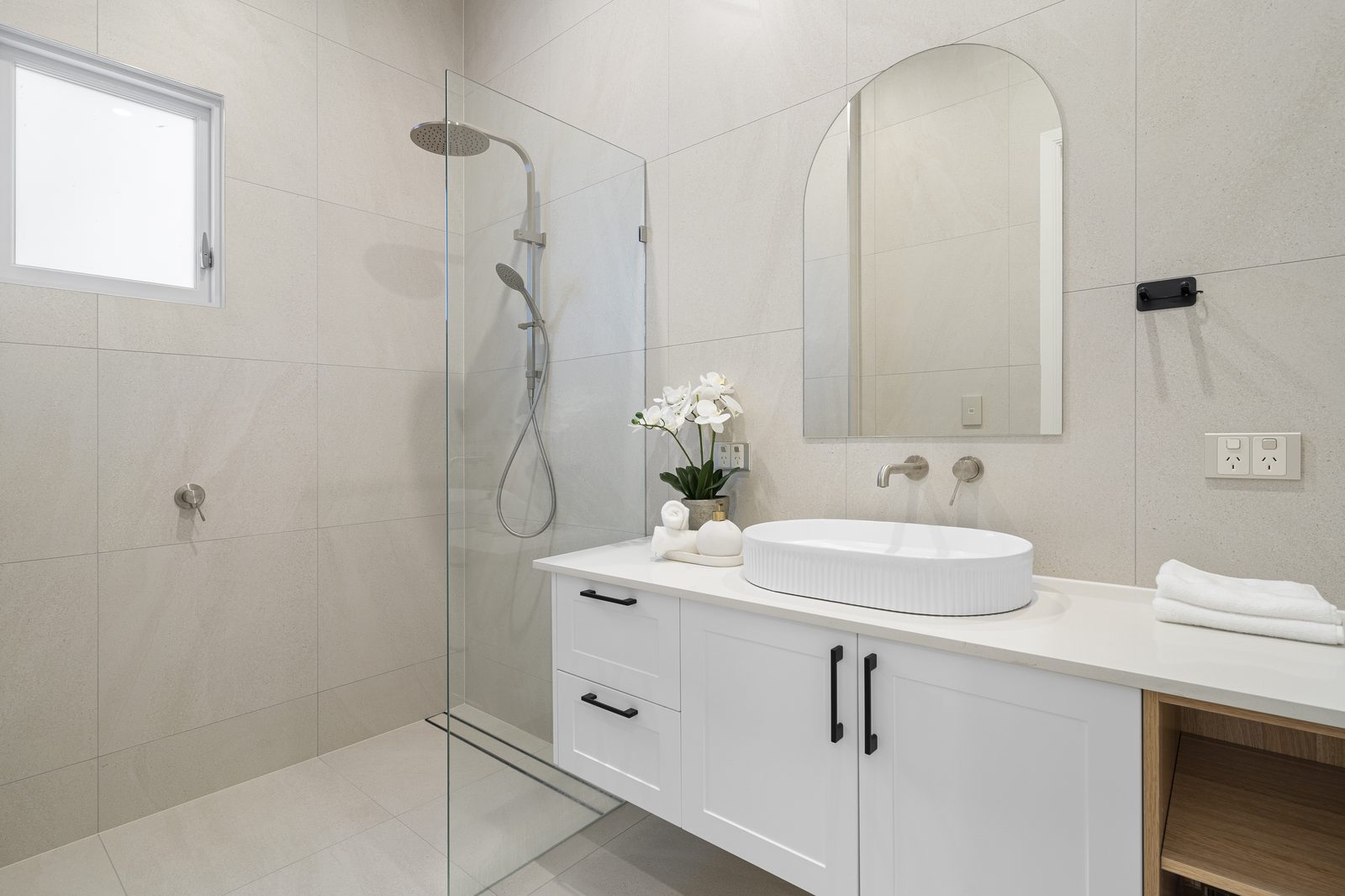
Building a repeatable overnight real estate photo editing workflow eliminates 3 to 5 hours of nightly Lightroom and Photoshop desk work per listing while doubling your daily shooting capacity. PSVN (Photo Services Vietnam) operates a synchronized 12-hour overnight production desk for photography studios across the US, Australia, the UK, Canada, and New Zealand—transforming raw CR2, CR3, NEF, ARW, RAF, and DNG brackets into MLS-ready galleries from $0.60 USD (A$0.90 AUD · £0.50 GBP) per Basic photo and $1.20 USD (A$1.80 AUD · £0.95 GBP) per Standard HDR/Flambient image via our 4-step overnight post-production process. Volume based pricing available for high-volume clients.
By Khanh Tran & PSVN Post-Production QC Team · Updated November 14, 2026
The single biggest operational moat in residential and commercial property media is reliable next-morning delivery—supported by National Association of Realtors (NAR) digital listing benchmarks. Because PSVN’s 80+ full-time photo/video editors and Senior QC Inspectors operate on a 24/6.5 schedule across three Vietnam production centers (Hanoi, Tuyen Quang, and Lang Son) with 4,000+ daily visual capacity, your evening RAW upload is edited in full daylight while your local market sleeps:
| Studio Region / Market | Typical Evening RAW Cut-Off | PSVN Production & Layer-2 QC Window | Morning Delivery Target (12h SLA) | Official Starting Studio Rate |
|---|---|---|---|---|
| United States & Canada (EST / CST / MST / PST) | 6:00 PM – 10:00 PM Local | Daytime Vietnam shift during North American night | Before 7:00 AM – 8:00 AM Local | from $0.60 USD Basic · $1.20 USD Standard HDR/Flambient |
| Australia (Sydney / Melbourne / Brisbane / Perth) | 6:00 PM – 9:30 PM AEST/AEDT/AWST | Afternoon & overnight Vietnam pod | Before 7:30 AM – 8:00 AM Local | A$0.90 AUD Basic · A$1.80 AUD Standard HDR/Flambient |
| United Kingdom & Europe (GMT / BST / CET) | 5:30 PM – 9:00 PM GMT/BST/CET | Early-morning & daytime Vietnam UK/EU pod | Before 7:00 AM – 8:00 AM Local | £0.50 GBP Basic · £0.95 GBP Standard HDR/Flambient |
| New Zealand (Auckland / Wellington / Queenstown) | 6:00 PM – 10:00 PM NZST/NZDT | Dedicated afternoon/evening Kiwi pod | Before 8:00 AM NZST/NZDT | from $0.60 USD (A$0.90 AUD) Basic · $1.20 USD Standard |
| Same-Day Express Listings (All Markets) | Anytime during 24/6.5 operating hours | Priority Express Queue | 4 – 6 Hours Upon Request | Priority express turnaround upon request |
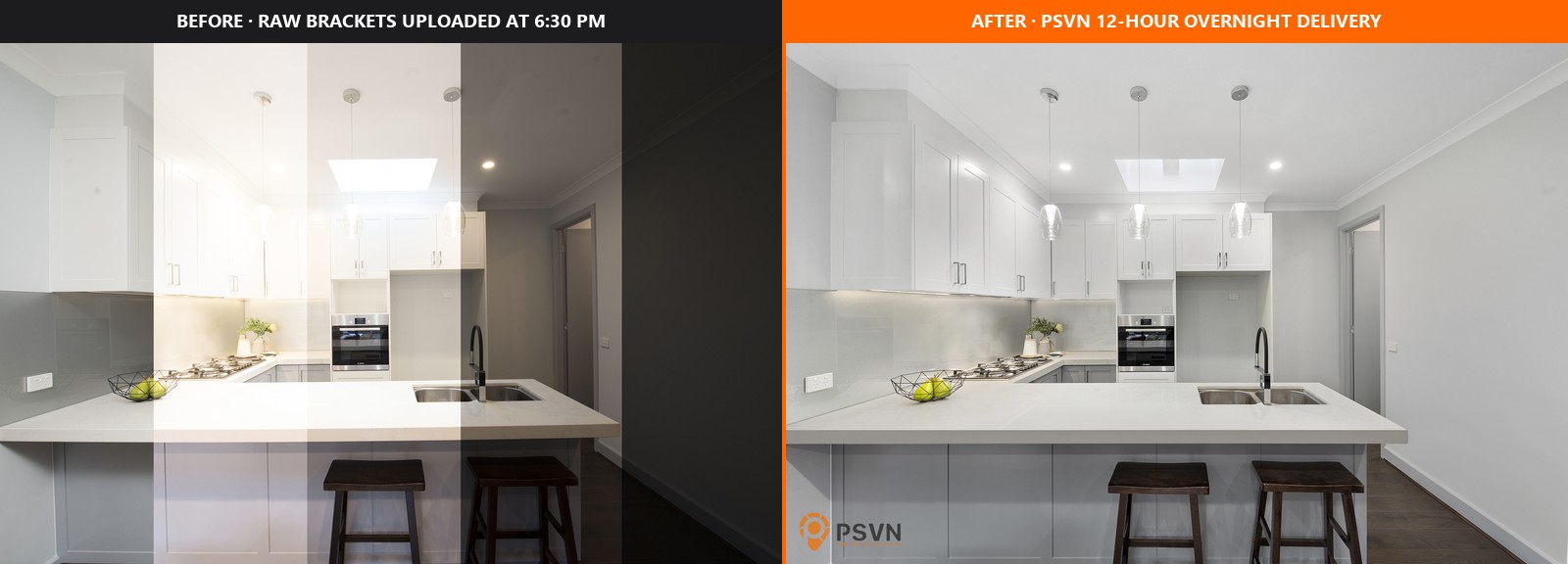
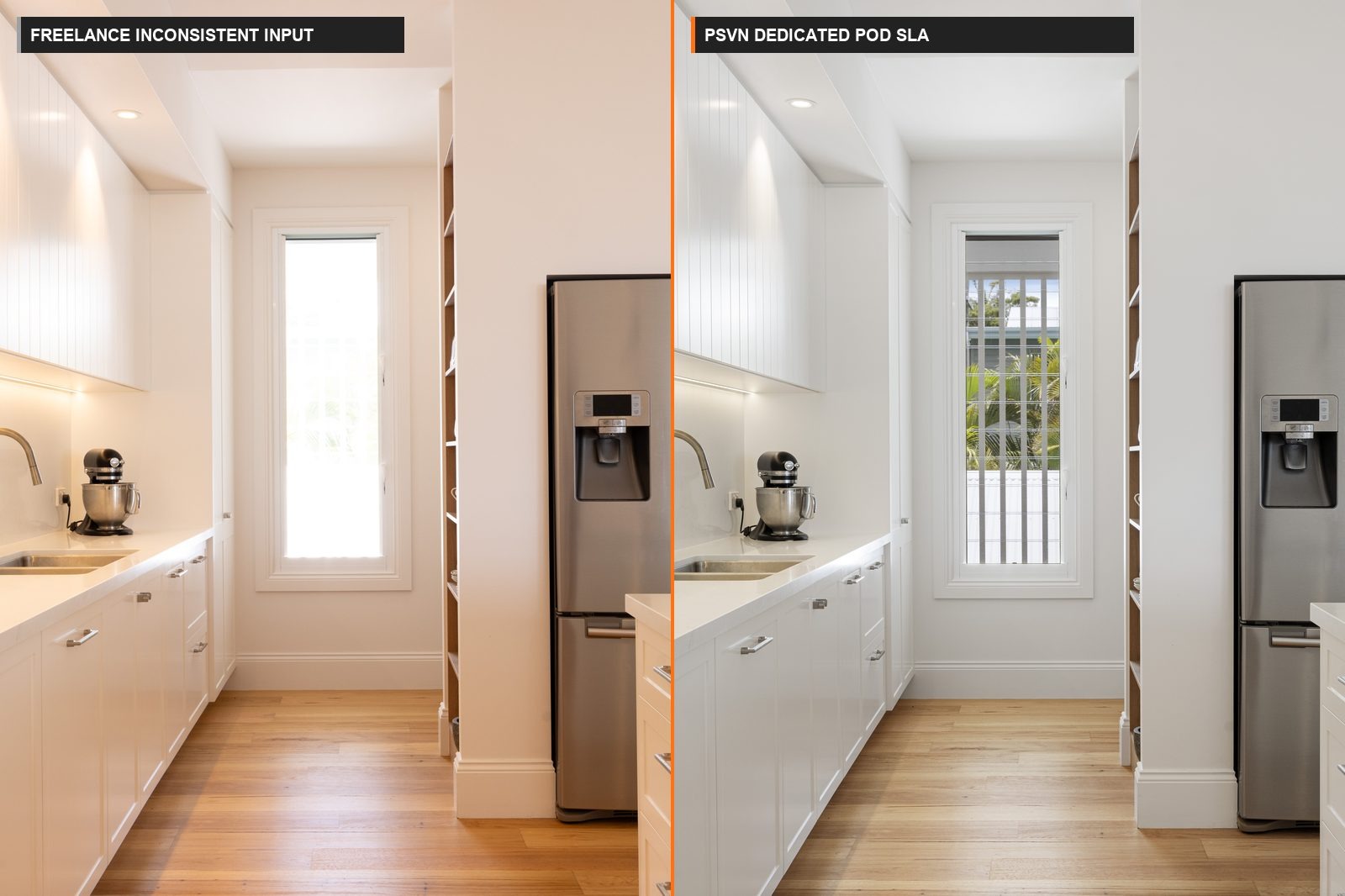
Solo photographers frequently underestimate the hidden opportunity cost of editing their own multi-bracket shoots after dinner. Comparing a 35-photo Standard HDR/Flambient gallery edited in-house versus sent to PSVN’s overnight desk reveals why growing studios delegate post-production early:
| Operational Metric (Per 35-Photo Listing) | DIY Evening Editing by Photographer | Random Gig-Marketplace Freelancer | PSVN Dedicated Pod + 2-Layer QC |
|---|---|---|---|
| Direct Editing Cost (35 Standard Photos) | $0 cash, but 3.5 – 4.5 hours of night desk labour | Variable per-gig rates + hidden window/fire surcharges | $1.20 USD per photo (Standard HDR/Flambient) or from $0.60 USD per photo (Basic) |
| Photographer’s Evening Desk Load | 3.5 – 4.5 hours of night desk labour instead of booking new shoots | 1–2 hours spent fixing crooked verticals & colour casts | 0 minutes editing — focus 100% on shooting & agent sales |
| Style Consistency Across Shoots | Drops when fatigued after 3+ shoots/day | Inconsistent whenever freelancer is overbooked | Locked Custom Studio Style Profile across fixed pod |
| Full-Stack Add-On Fulfilment | Requires separate CAD & Premiere Pro hours | Fragmented across 3–4 separate vendors | One upload covers Walkthrough Video ($10.00–$80.00), Floor Plans ($11.00/$6.00) & Day-to-Dusk ($3.00–$8.00 USD) |
Migrating from solo late-night editing to a dedicated B2B editing pod requires zero proprietary software lock-in. Follow this four-step intake blueprint used by partner studios scaling with our real estate photo editing services:
Dropbox / Google Drive / OneDrive / FTP): Create one shared production folder (StudioName_PSVN_Production) and drop each property into a clear subfolder structure compatible with Aryeo, HDPhotoHub, Spiro, or Tonomo:/2026-11-14_142-Oak-Ave_35-Standard-Flambient/ — 3-to-5 bracket HDR or ambient + flash stacks ($1.20 USD/photo)/2026-11-14_142-Oak-Ave_2-DayToDusk/ — Exterior hero frames flagged for AI ($3.00) or Manual ($8.00) Day-to-Dusk/2026-11-14_142-Oak-Ave_FloorPlan-Scan/ — CubiCasa, Matterport, iGuide, or hand sketch for 2D ($11/$6) or 3D ($19.50–$23) floor plan redraws/2026-11-14_142-Oak-Ave_Walkthrough-Clips/ — 60fps gimbal & drone footage for walkthrough videos ($20–$25) or Dynamic Reels ($30/$35)3000px–4000px long edge) or Lightroom Classic Smart Previews shrinks a 12 GB shoot down to ~1.1 GB in minutes while preserving full 16-bit highlight and shadow latitude for hand-blended Flambient and pen-tool window pulls./Done/ folder before breakfast.Once your studio grows beyond a single camera body, folder discipline keeps your overnight pipeline completely predictable even on 15-listing days:
_Shooter-MK_SonyA7RV vs. _Shooter-JL_CanonR5) so your assigned PSVN pod applies sensor-specific color matrices before blending into your unified Studio Style Profile._RUSH-4H on upload and notify our 24/6.5 live desk on Teams, Skype, or email for same-day turnaround.Once you shoot 3 or more properties per week, editing your own brackets becomes a revenue ceiling. Delegating a Standard HDR or Flambient gallery to PSVN at $1.20 USD per photo (or from $0.60 USD per photo for Basic editing) frees roughly 4 hours of evening desk work per listing so you can book an extra daytime shoot instead.
We accept all native camera RAW and compressed formats—including CR2, CR3, NEF, ARW, DNG, RAF, ORF, RW2, TIFF, and JPG—delivered directly via Dropbox, Google Drive, OneDrive, Box, WeTransfer, or Private Studio FTP.
Every order includes 100% free unlimited revisions until SLA quality is met. If an agent requests a brighter window view, an alternate sky plate, or a style tweak, our 24/6.5 live production desk prioritizes the revision promptly at zero extra charge.
Visit our Start Free Trial page to upload 3 RAW photo sets + 1 video clip (or up to 5 RAW bracketed photos / 1 virtual staging image) edited 100% free within 12–24 hours, with no credit card required plus a 10% discount on your first month’s studio invoice.
Related Editorial Guides
View All Guides