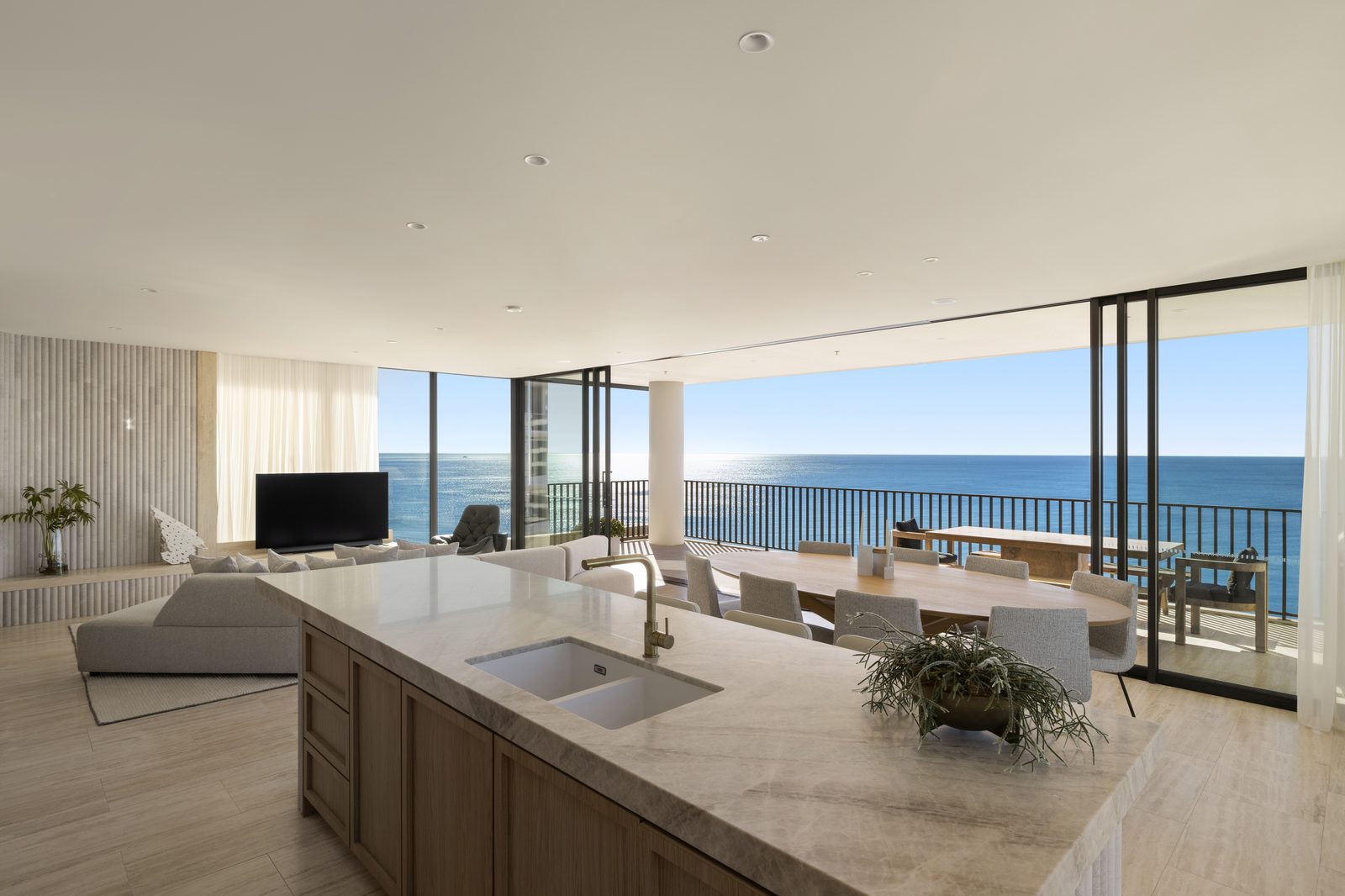
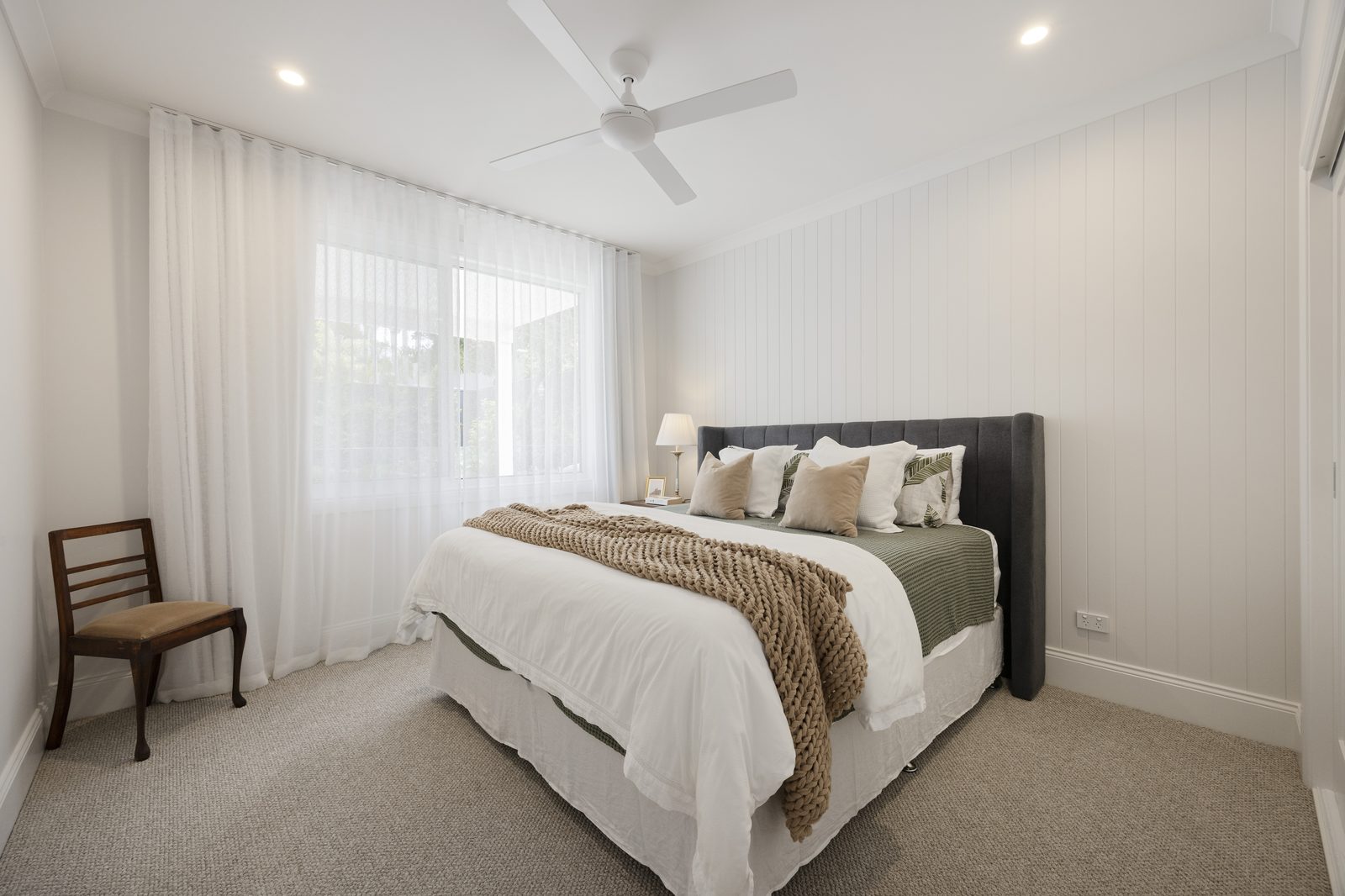
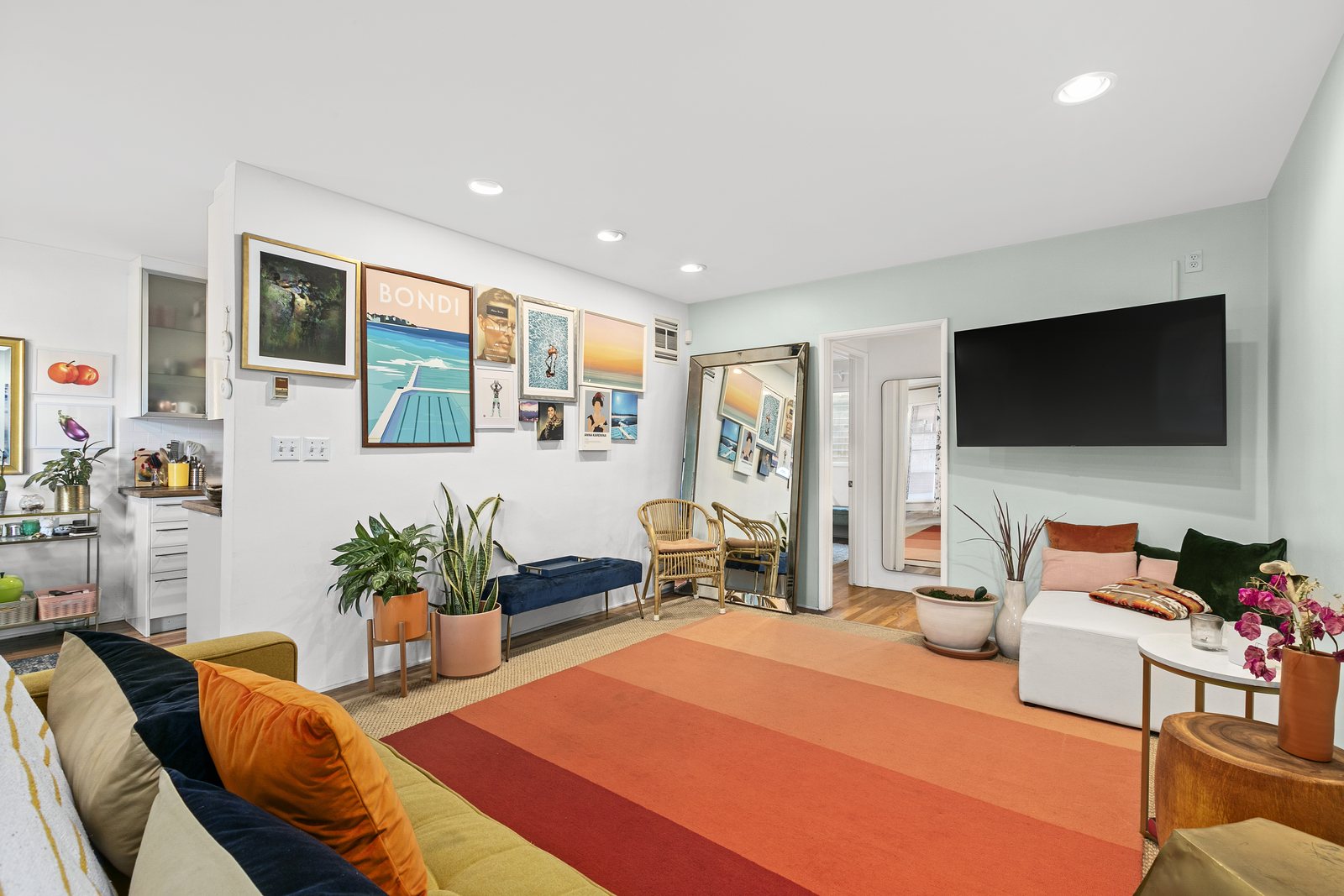
Kitchen and Bathroom Real Estate Photo Editing: Cabinets, Mirrors & Steel
Precision kitchen and bathroom real estate photo editing is where homebuyers and listing agents judge the quality of a photography studio: a single yellow color cast on white shaker cabinets, a blown-out flash stripe across a stainless steel refrigerator, or a tripod reflection in a bathroom vanity mirror can ruin the most important selling rooms of a home. At PSVN, our 80+ dedicated editors retouch kitchens and bathrooms to pure architectural perfection inside our $0.60 – $1.20 USD (A$0.90 – A$6.00 AUD · £0.50 – £3.20 GBP) real estate photo editing service—delivered overnight in 12 hours.
By Khanh Tran & PSVN Post-Production QC Team · Updated November 1, 2026
The 4 Challenges in Kitchen and Bathroom Real Estate Photo Editing
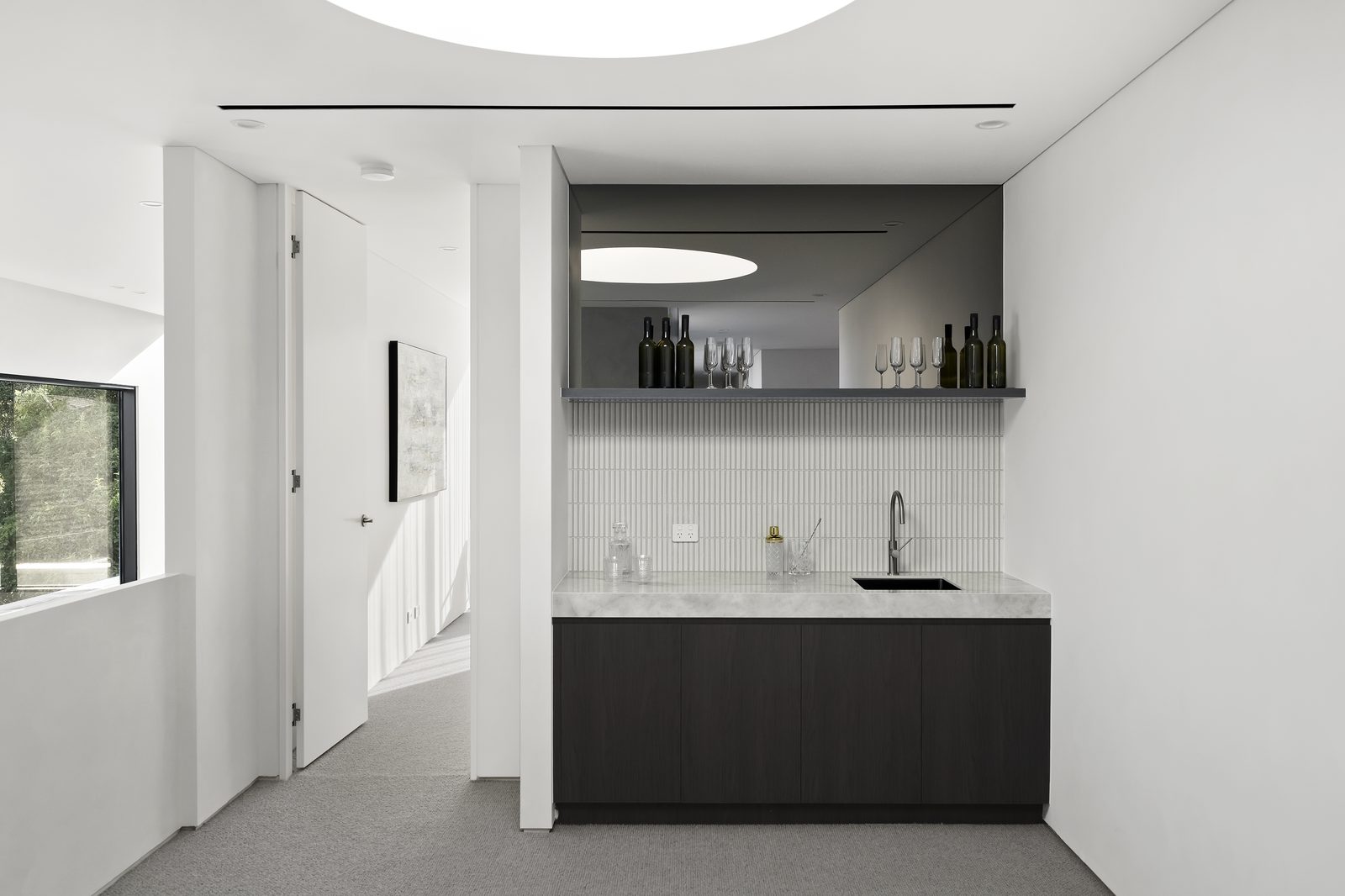
Kitchens and bathrooms pack more reflective, color-sensitive materials into tight floor footprints than any other space in residential photography:
- White Shaker Cabinets & Marble Countertops Under
2700KUnder-Cabinet LEDs: Warm puck lights and pendant bulbs stain white cabinetry and Carrara marble islands with heavy orange-yellow bands, while nearby kitchen windows cast6500Kblue daylight across the sink. - Brushed Stainless Steel Refrigerators, Ovens & Range Hoods: Strobe pops and bright windows create harsh white vertical glare bands paired with dark muddy falloff across curved stainless steel doors.
- Vanity Mirrors, Chrome Fixtures & Frameless Glass Showers: Tight bathroom angles almost always catch the camera tripod, flash head, or door reflection inside the vanity mirror or glass shower enclosure.
- Countertop Cord Clutter, Soap Dispensers & Trash Cans: Power cords hanging beneath toaster ovens, dish soap bottles, bath mats, and toilet-bowl brushes distract buyers from high-end stone and tile work.
| Kitchen & Bathroom Retouching Task | Common 1-Layer / Automated Defect | PSVN 2-Layer QC Studio Standard | Wholesale Rate (USD / AUD / GBP) |
|---|---|---|---|
| White Cabinets & Marble Veining | Yellow/orange cast from under-cabinet LEDs or grey desaturation | Selective Kelvin mask keeping cabinets pure white (3%–5% warmth) while preserving warm bulb glow | Included ($0.60 – $1.20 USD) |
| Stainless Steel Appliances | Harsh flash hotspot or photographer reflection in oven/fridge door | Directional brushed-metal gradient + ambient luminosity blend | Included ($0.60 – $1.20 USD) |
| Bathroom Mirror & Chrome Reflections | Visible camera tripod, flash burst, or slanted vanity lines | Perspective-aligned mirror clone & glass shower clarity restoration | Included ($0.60 – $1.20 USD) |
| Small Cord, Drain & Blemish Cleanup | Distracting appliance cords under upper cabinets or ceiling vents | Clean tile/backsplash reconstruction | Included ($0.60–$1.20) · Basic Removal $1.00 |
| Full Countertop & Vanity Decluttering | Dish racks, small appliances, toiletries & trash bins left on counters | Digital decluttering & stone/tile texture reconstruction (Items Removal) | $1.00 – $3.00 USD (Advance $8.00) |
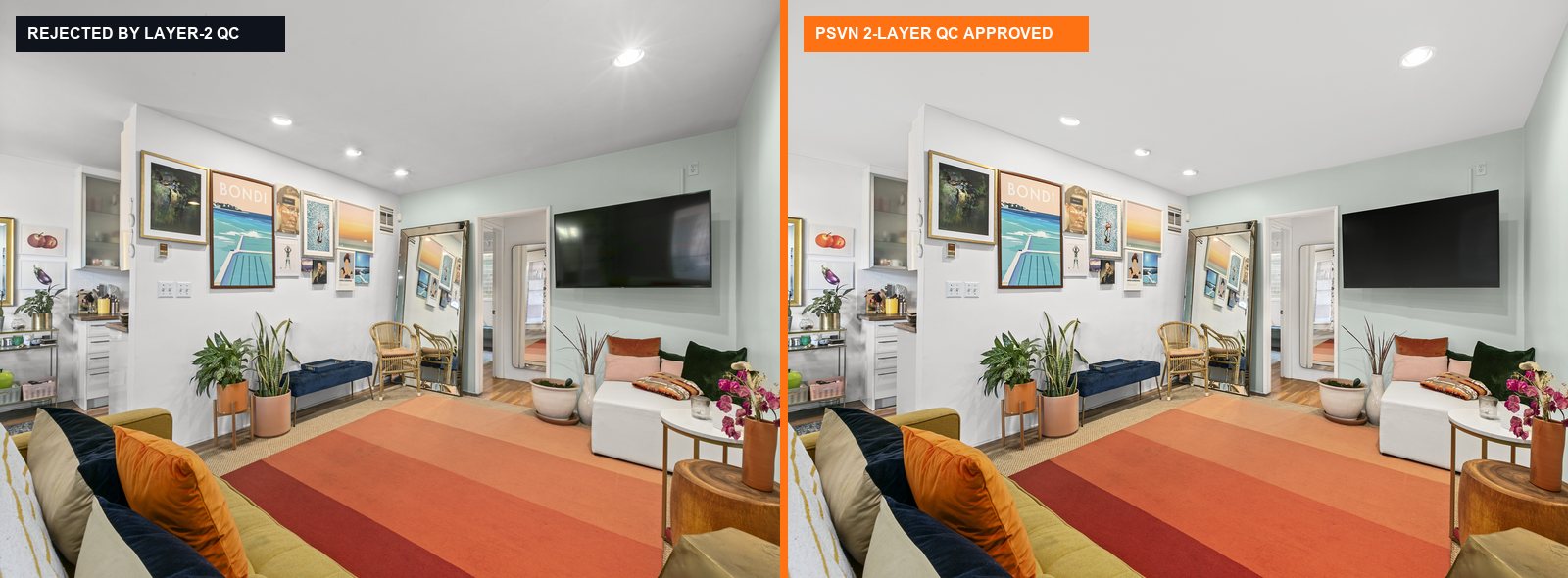
Step-by-Step SOP: How PSVN Retouches Kitchens & Bathrooms
1. Dual-Zone White Balance for White Cabinets & Quartz Islands
In kitchen and bathroom real estate photo editing, simply desaturating yellow turns warm oak floors and brass cabinet hardware dull grey. Following our color cast removal & white balance guide, our editors isolate painted cabinetry, quartz countertops, and subway tile backsplashes on a dedicated color-balance layer:
* We neutralize the 2700K orange cast on cabinet doors and ceiling bulkheads while leaving a subtle, realistic warm glow right beneath the under-cabinet LED strip.
* Subtle grey and gold marble veining in waterfall islands is recovered from the -1 EV / -2 EV RAW bracket so stone surfaces never clip to flat white.
2. Brushed Stainless Steel & Glossy Cabinet Glare Reconstruction
As detailed in our guide to removing flash glare on wood, glass, and cabinets, our editors blend the ambient exposure in Luminosity mode over glossy kitchen cabinetry and use directional linear gradients along the exact grain of stainless steel refrigerators, dishwashers, and range hoods—erasing tripod reflections and strobe hotspots cleanly.
3. Bathroom Vanity Mirror, Glass Shower & Toilet Seat QC Check
Every bathroom image undergoes a mandatory check inside our 25-point real estate photo editing checklist and TV/mirror reflection SOP:
* Vanity Mirror Tripod Removal: If you shoot a clean off-axis frame (or angled bracket), our editors seamlessly patch out the camera, tripod, and flash burst reflected in bathroom mirrors and medicine cabinets.
* Frameless Glass Shower De-Glaring: We suppress specular reflections on glass shower panels so buyers clearly see the interior marble niche and rainfall showerhead.
* Digital Decluttering ($1.00–$3.00): When sellers leave shampoo bottles, toothbrushes, dish soap, or countertop appliances out, our editors remove the clutter and reconstruct continuous tile grout and stone backsplash.
3 On-Site Shooting Tips for Cleaner Kitchen & Bathroom Raw Brackets
- Lower All Toilet Lids & Remove the Kitchen Sink Sponge + Dish Towel: Taking 15 seconds to hide the dish sponge, soap bottle, and bath mat saves per-photo decluttering fees and keeps marble surfaces uninterrupted.
- Shoot 2 Off-Axis Flash Pops in Tight Bathrooms: In small powder rooms with large mirrors, hold the flash outside the doorway and bounce it into the hallway ceiling so zero flash starburst appears in the vanity mirror.
- Include 1
-2 EVExposure for Over-Sink Kitchen Windows: Kitchen windows directly above stainless steel sinks create intense glare; a clean-2 EVbracket lets our editors pull a crisp backyard view without haloing the faucet.
Frequently Asked Questions
Is white cabinet color cast removal included in PSVN’s $0.60–$1.20 photo editing rate?
Yes. Neutralizing yellow, orange, and blue color casts on white kitchen cabinets, bathroom vanities, marble countertops, and ceilings is 100% included in our Basic ($0.60 USD) and Standard HDR/Flambient ($1.20 USD) tiers (A$0.90–A$1.80 AUD · £0.50–£0.95 GBP).
How much does it cost to remove countertop appliances, dish racks, or bathroom clutter?
Minor cord or blemish removal is included in standard editing, while dedicated Items Removal starts at $1.00 USD (Basic level) for small items (soap bottles, cords, small trash cans) and $3.00 USD (Standard level) for clearing multiple countertop appliances and dish racks.
Can you virtually renovate an outdated kitchen or bathroom for a fixer-upper listing?
Yes. For dated kitchens and bathrooms requiring new shaker cabinets, quartz countertops, modern tile, and fixtures, our 3D architectural team delivers photorealistic virtual renovations at $32.00 USD for Regular Homes ($35.00 Commercial) within 12–24 hours.
How can I test PSVN’s kitchen and bathroom editing on my own RAW brackets?
Upload 3 to 5 RAW bracketed photo sets (including your toughest white kitchen or small mirrored bathroom) on our Start Free Trial page. Our 80+ editors will process your files and return your finished images in 12 hours completely free.
Related Editorial Guides
View All 65 Guides