Flambient Blending Workflow Real Estate Photography Guide: Camera Settings & Luminosity Mode (2026)
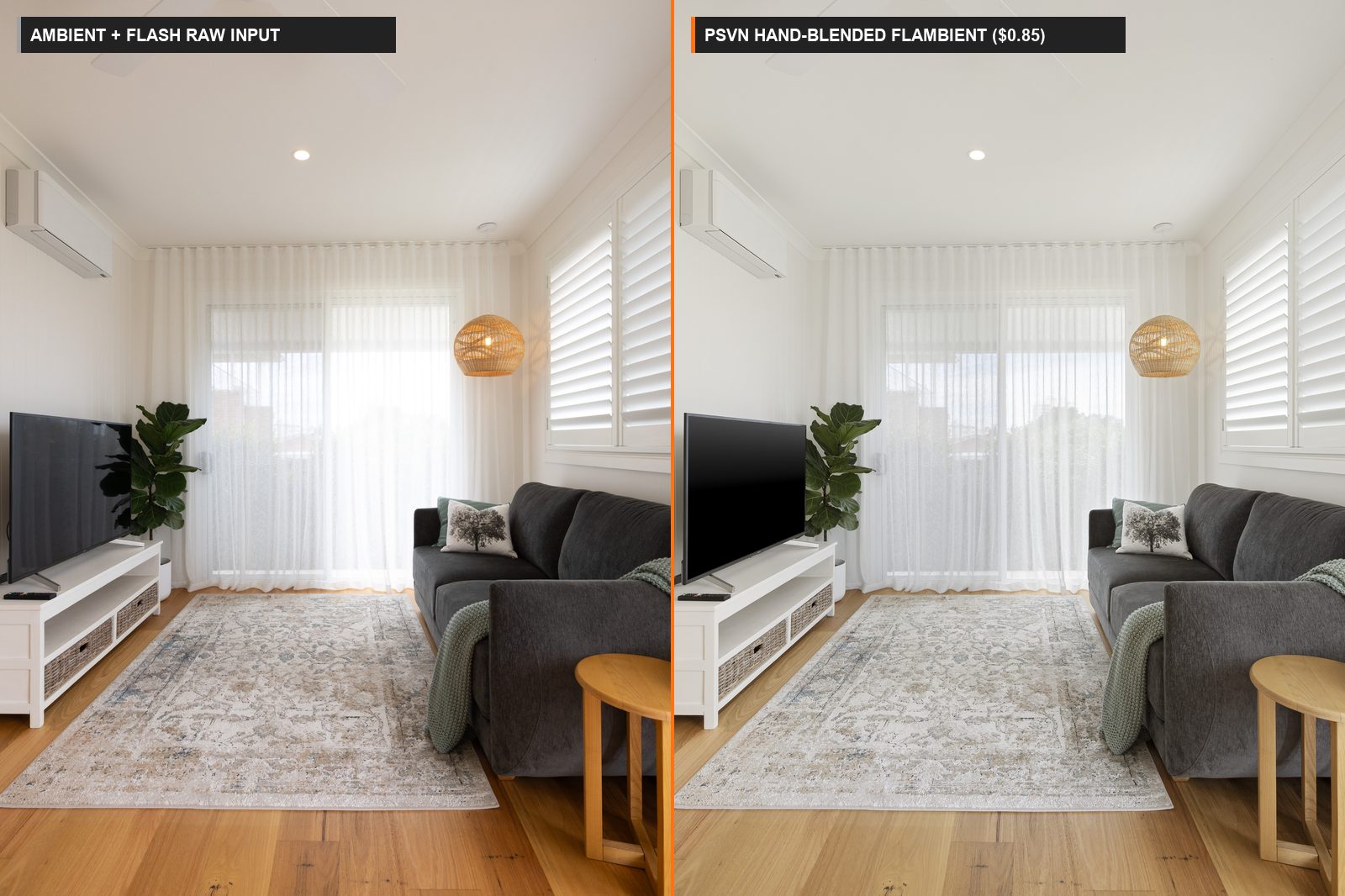
Mastering a repeatable flambient blending workflow real estate photography pipeline is the fastest way for property photographers to command premium rates ($275 – $650+ per listing) while eliminating mixed-lighting color casts and muddy HDR shadows. At PSVN, our 80+ specialist photo editors hand-blend thousands of Flash-Ambient stacks every night—combining ambient shadow depth, 5500K flash color accuracy, and crisp pen-tool window pulls for $0.85 USD (A$1.30 AUD · £0.70 GBP) per finished image with a 12-hour overnight SLA via our real estate photo editing service.
By Khanh Tran & PSVN Post-Production QC Team · Updated October 28, 2026
Why the Flambient Blending Workflow Real Estate Photography Standard Wins
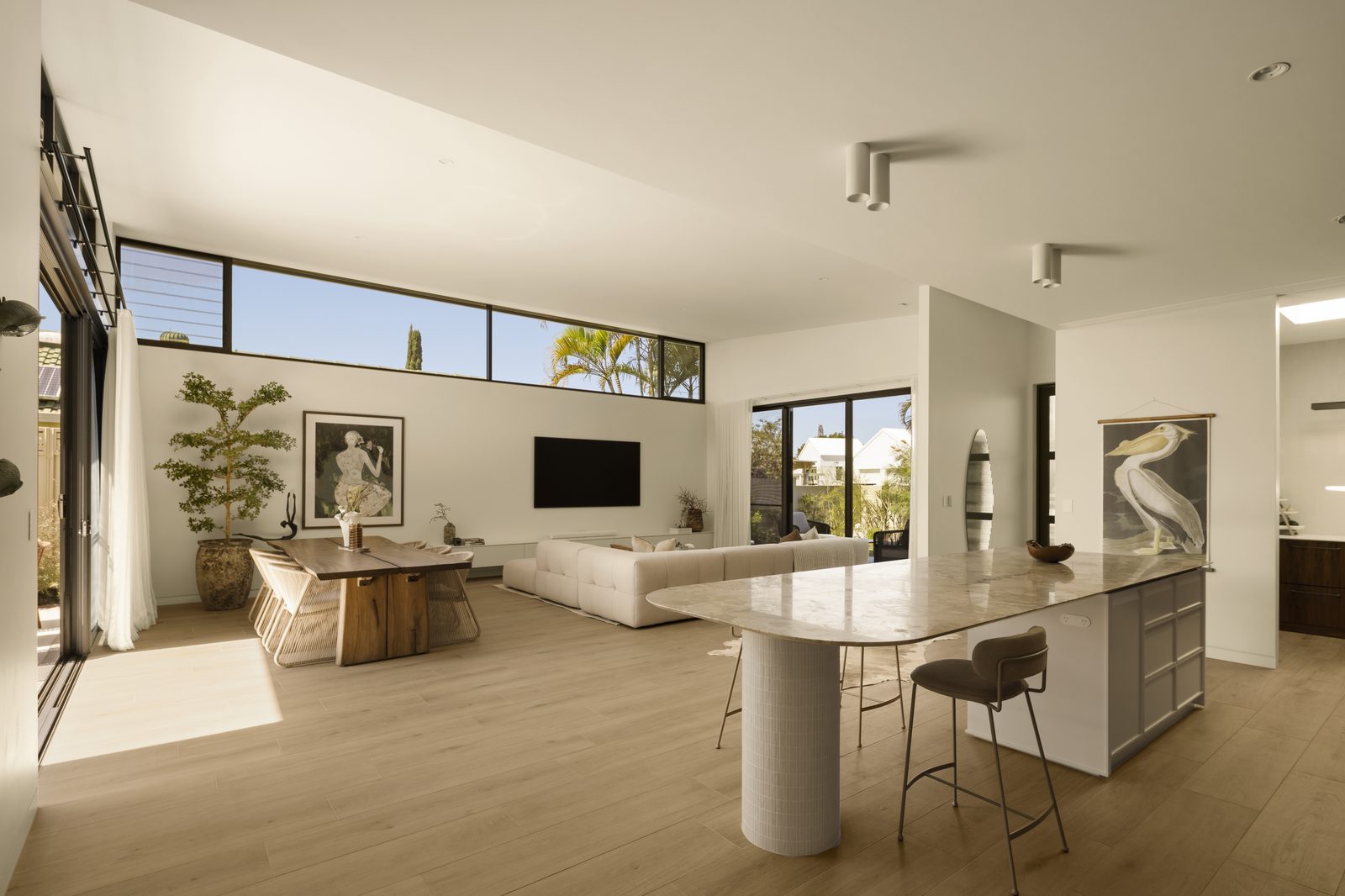
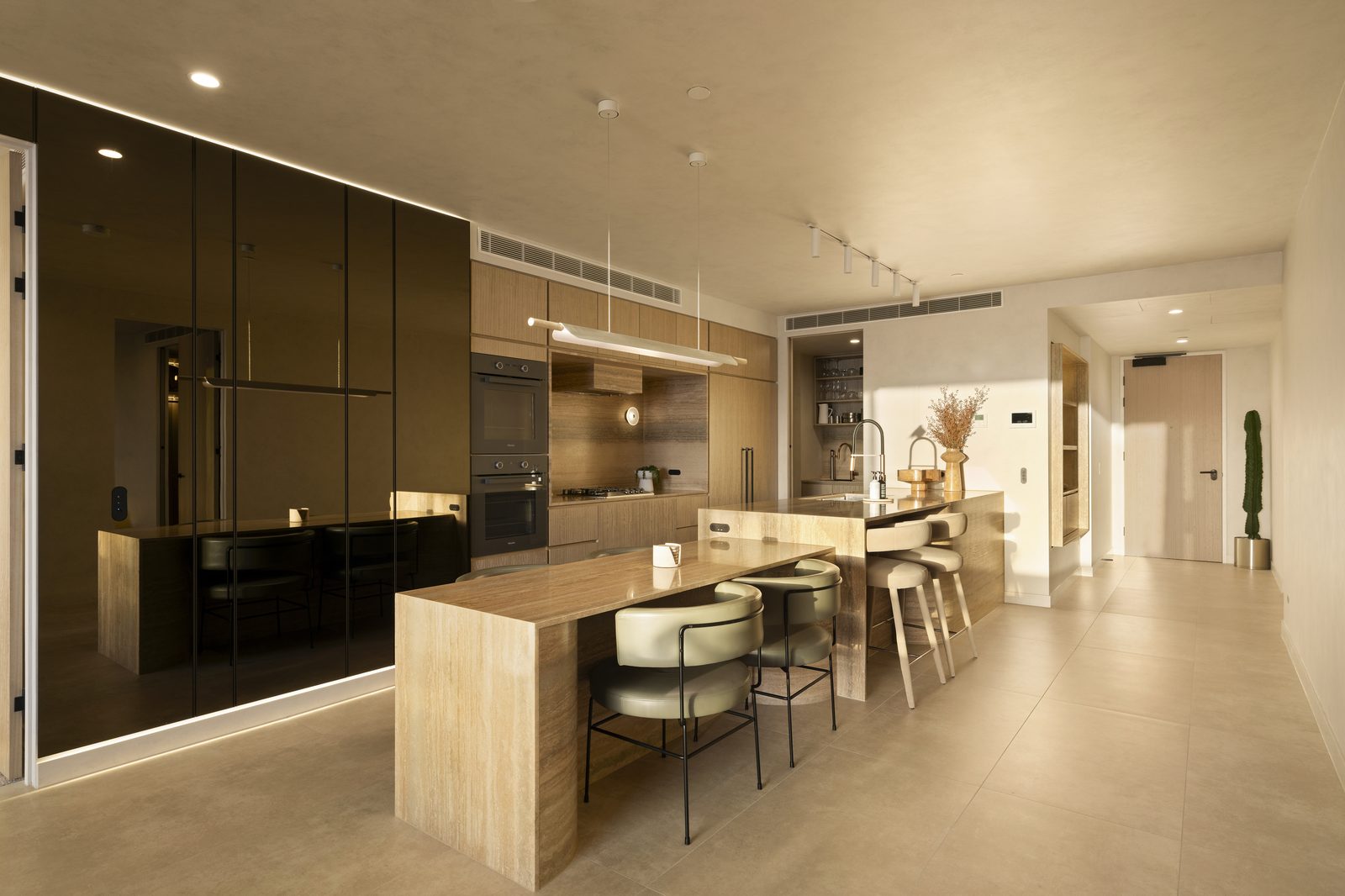
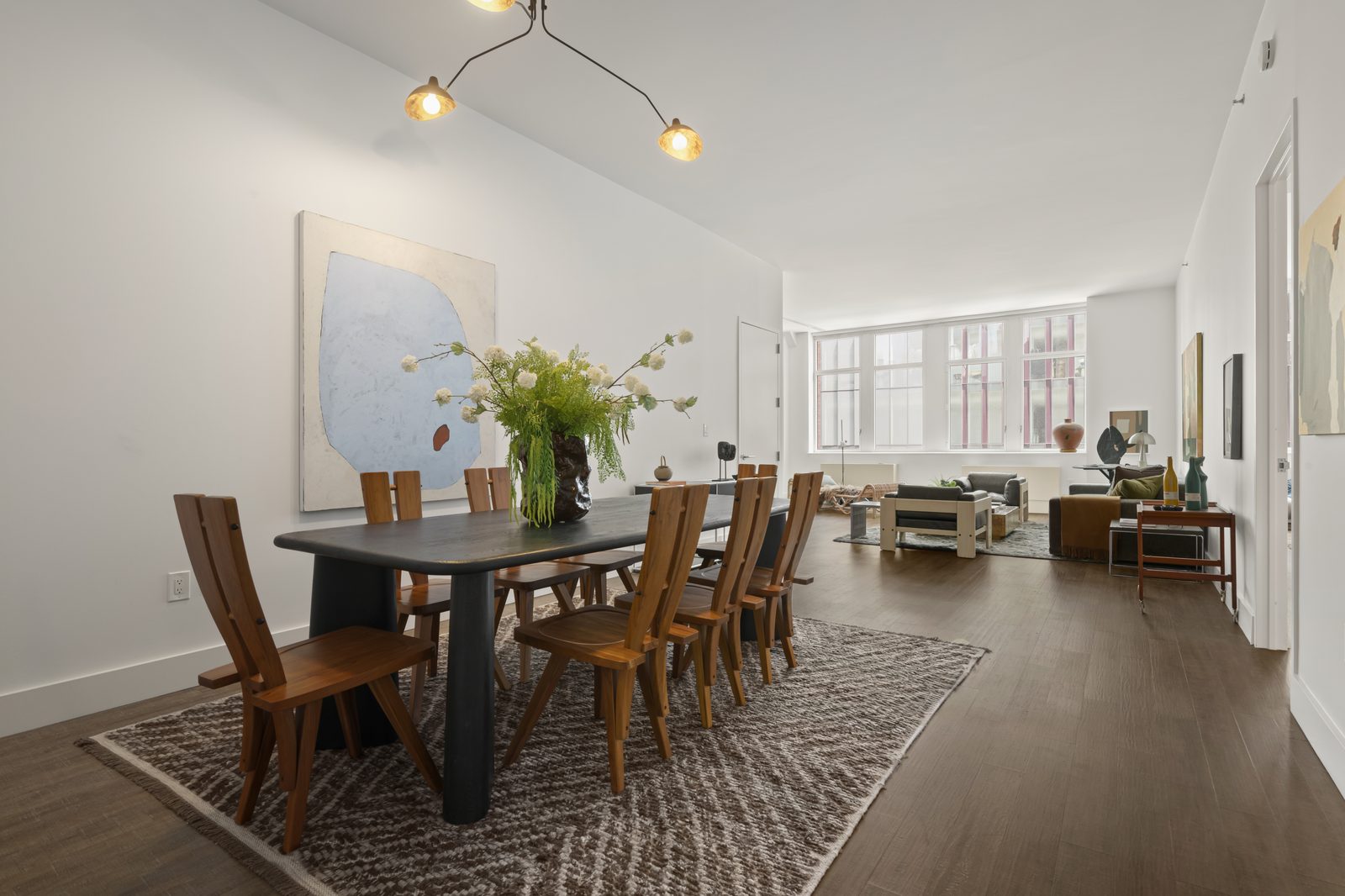
As detailed in our HDR vs. Flambient real estate photography comparison, shooting ambient-only brackets under mixed 2700K tungsten chandeliers and 6000K window daylight creates severe orange-and-blue color contamination. Conversely, shooting flash-only interiors produces harsh specular highlights, dark background hallways, and unnatural flat shadows.
The flambient blending workflow real estate photography method solves both problems by separating luminance (light and shadow direction) from chrominance (true surface color):
| Layer in the Flambient Stack | On-Site Capture Settings (f/8, ISO 100–400) | Photoshop Blend Mode & Role | What It Fixes in the Final Image |
|---|---|---|---|
| 1. Base Ambient Frame(s) | 0 EV (plus optional -2 EV / +2 EV ambient brackets), Flash OFF | Normal (Base Layer) or Luminosity (45%–65% Opacity) | Restores natural directional window shadows and soft architectural depth |
| 2. Interior Flash Frame(s) | 0 EV to +0.7 EV ceiling bounce with 400Ws–600Ws strobe (5500K) | Color Mode (over Ambient) or Base Layer beneath Luminosity Ambient | Neutralizes yellow 2700K lamp casts and blue skylight reflections on floors |
| 3. Window Pull Flash Pop | 1/200s – 1/250s shutter (-2.0 EV to -3.0 EV), strobe aimed at window frame | Darken Mode + Pen-Tool Clipping Path (75%–85% Opacity) | Recovers crisp exterior views and kills bright halation around white mullions |
| 4. Specular / Glare Repair Frame | Secondary flash bounce from opposite corner (for kitchen islands / hardwood) | Layer Mask Brush (30%–50% Flow) | Eliminates blown-out flash glare on polished granite counters and oak floors |
Phase 1: On-Site 3-to-5 Frame Capture Protocol (Under 45 Seconds per Room)
To keep your on-site shoot time under 45 minutes per home while giving your editing team perfect raw ingredients, standardize your camera setup across all shooters:
- Lock Aperture & ISO (
f/7.1 – f/8,ISO 100–400, Aperture Priority or Manual): Keep aperture fixed atf/8so lens sharpness and depth of field remain identical across every frame in the stack. - Capture the Ambient Frame(s) First (
Flash OFF): Shoot a clean0 EVambient exposure exposed for the room’s midtones (or a quick 3-bracket±2 EVambient burst so adjoining hallways have clean shadow detail). - Fire the Ceiling-Bounce Flash Frame (
Flash ON): Turn on your wireless trigger and fire a200Ws–600Wsstrobe (Godox AD200 Pro,AD400 Pro, orAD600 Pro) bounced into the ceiling behind or slightly beside the camera at1/2to1/1power. - Capture the Darken-Mode Window Pop (When Facing Bright Windows): Drop shutter speed to your camera’s max sync speed (
1/200sor1/250s) to expose for the outdoor sky, and pop the flash directly toward the window frames as explained in our window pull real estate photo editing guide. - Composite 2-Pop or 3-Pop for Large Open-Concept Great Rooms: In wide kitchen-to-living spaces, walk into the left and right zones holding the strobe overhead (
umbrellaorbare bulb bounce), keeping your body out of the main subject overlap so editors can mask you out in seconds.
Phase 2: PSVN’s 5-Step Photoshop Hand-Blending SOP ($0.85 USD / Photo)
When your RAW files (CR3, ARW, NEF, DNG) arrive at PSVN’s production desk, our Layer-1 specialists and Layer-2 QC inspectors execute a five-stage manual Photoshop workflow:
- Camera Raw Pre-Processing & Geometry Alignment: Lens profile corrections, chromatic aberration removal, and vertical perspective alignment (
Transform > Vertical) are synchronized across all frames in the stack before opening as layers in Photoshop. - Flash Composite Assembly (For Multi-Pop Rooms): If you fired two or three flash pops across a large kitchen and living room, we blend the flash frames together using gradient masks to remove the photographer’s silhouette and create one evenly lit
5500Kflash base. - Luminosity & Ambient Shadow Blending (
45%–65%Opacity): We place the ambient exposure above the flash composite inLuminosityblend mode and paint it in with a soft low-flow brush (15%–30%flow), restoring natural ambient shadow gradients while keeping 100% of the flash frame’s clean color accuracy (see our color cast removal & white balance guide). - Ceiling Neutralization & Hardwood Glare Recovery: A dedicated masked adjustment layer desaturates any residual warm bounce on white ceilings (
R=G=Bwithin±3points) and restores natural wood grain where window glare hit the floor. - Pen-Tool + Darken Mode Window Pulls: Finally, the
-2 EVflash window pop is masked in via hand-drawn vector paths andDarkenmode so exterior trees, pools, and skylines look completely natural without dark halos.
Frequently Asked Questions
How much does outsourced Flambient photo editing cost compared to HDR?
At PSVN, hand-blended Flambient editing costs $0.85 USD (A$1.30 AUD · £0.70 GBP) per finished image, compared to $0.75 USD (A$1.15 AUD · £0.65 GBP) for multi-bracket HDR and $0.60 USD for Single Exposure—a difference of only $3.50 USD per 35-photo listing, as detailed in our Flambient vs. HDR editing cost breakdown.
How many raw frames can I include in a single Flambient stack without extra charges?
Our flat $0.85 USD Flambient rate covers up to 5–7 raw frames per angle (for example: 1–3 ambient brackets + 1–3 flash pops + 1 window pull pop) with zero per-frame surcharges.
Should I place the Ambient layer in Luminosity mode over Flash, or Flash in Color mode over Ambient?
Both techniques mathematically combine ambient luminance with flash chrominance, but placing the Ambient layer in Luminosity mode above the Flash base gives editors superior control over shadow recovery in deep hallways and specular highlight suppression on kitchen appliances.
How can I test PSVN’s Flambient blending workflow on my own RAW stacks for free?
Visit our Start Free Trial page and upload 3 to 5 Flambient RAW stacks (ambient + flash + window pop frames). Our 80+ editor team will hand-blend your images through our 2-Layer Quality Control workflow and return your finished gallery within 12 hours at zero cost—plus 10% off your first month.
Related Editorial Guides
View All 48 Guides