
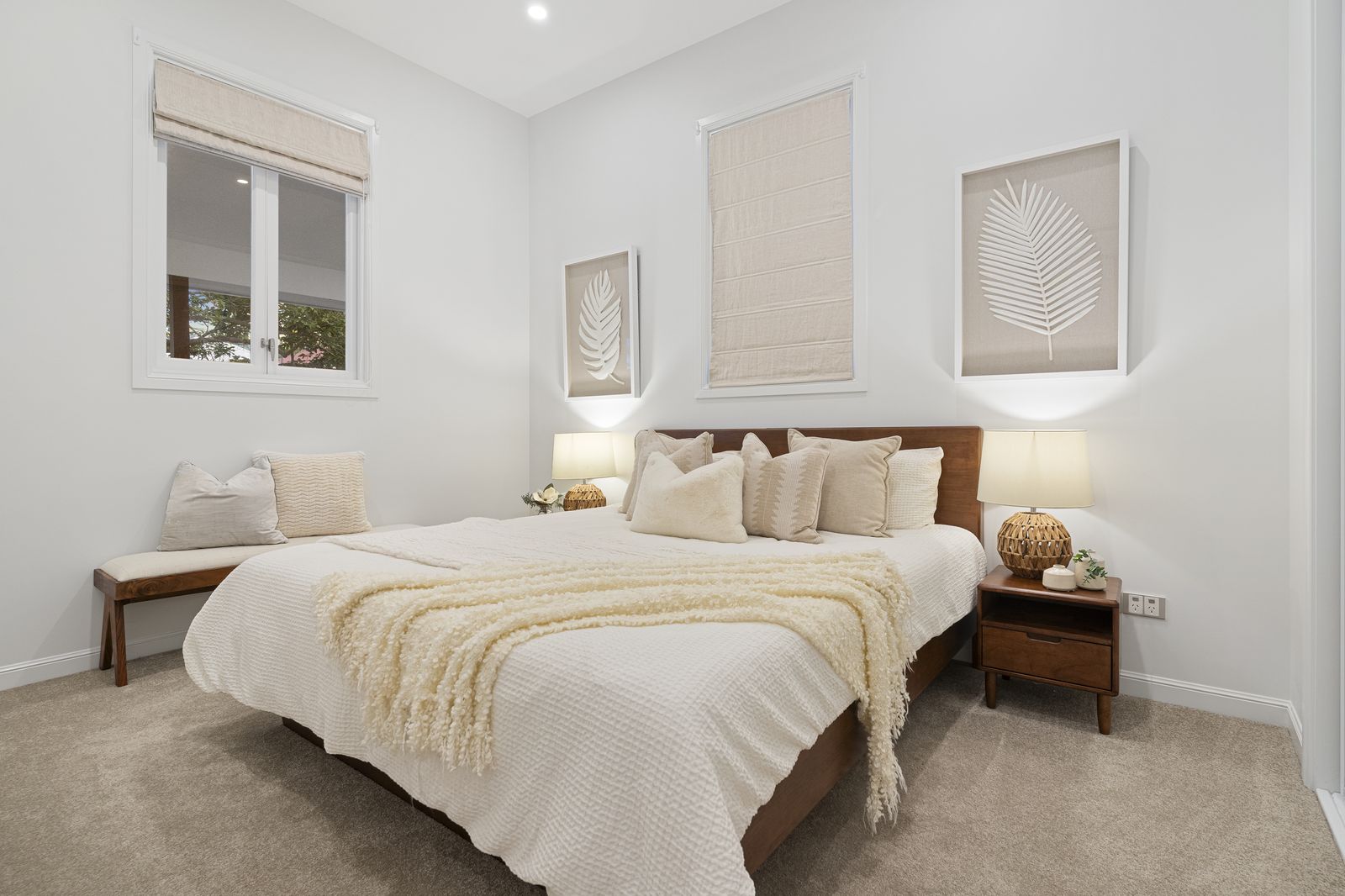
Real Estate Walkthrough Video Editing Guide: 16:9 Tours & 9:16 Reels Overnight
This real estate walkthrough video editing guide shows how high-volume photography studios capture 15 minutes of gimbal footage on-site and deliver both a 16:9 horizontal MLS tour and a 9:16 vertical social reel the next morning without spending hours in Premiere Pro or DaVinci Resolve. By outsourcing post-production to PSVN’s real estate video editing team at $12.00 to $20.00 USD (A$18.00–A$30.00 AUD · £10.00–£16.00 GBP) per video with a 12 to 24-hour overnight turnaround, studios turn video from an evening editing bottleneck into a high-margin $250+ client upsell.
By Khanh Tran & PSVN Post-Production QC Team · Updated October 23, 2026
Real Estate Walkthrough Video Editing Guide: The 15-Minute On-Site Shot List
As we discussed in our article on how to deliver more properties without working longer hours, the secret to profitable real estate video is shooting concise, repeatable 5-second gimbal movements rather than long, wandering 2-minute takes. Whether you are filming a suburban new-build community in the US, a coastal home in Victoria, Australia, or a townhouse in the UK, capture these 18 to 24 clips in 4K 60fps:
- Clips 1–3 (Exterior & Drone Openers): 1 high drone orbit or push-in toward the property facade, 1 low gimbal push-in up the front pathway, and 1 detail shot of the front door opening.
- Clips 4–8 (Main Living & Kitchen Flow): Wide gimbal push-in entering the main living area, a 45-degree pan across the kitchen island, and a tight detail slider shot of stone countertops or espresso machines.
- Clips 9–12 (Master Suite & Ensuite): Smooth doorway reveal into the master bedroom, slow pan toward the window view, and a mirror-free glide through the freestanding bath and vanity.
- Clips 13–16 (Secondary Highlights & Study/Media Room): Quick 4-second push-ins of the home office, theatre room, or wine cellar.
- Clips 17–20 (Outdoor Entertaining, Pool & Twilight Close): Gimbal transition through the sliding patio doors to the alfresco deck, pool, and backyard, ending with a rising drone pullback.
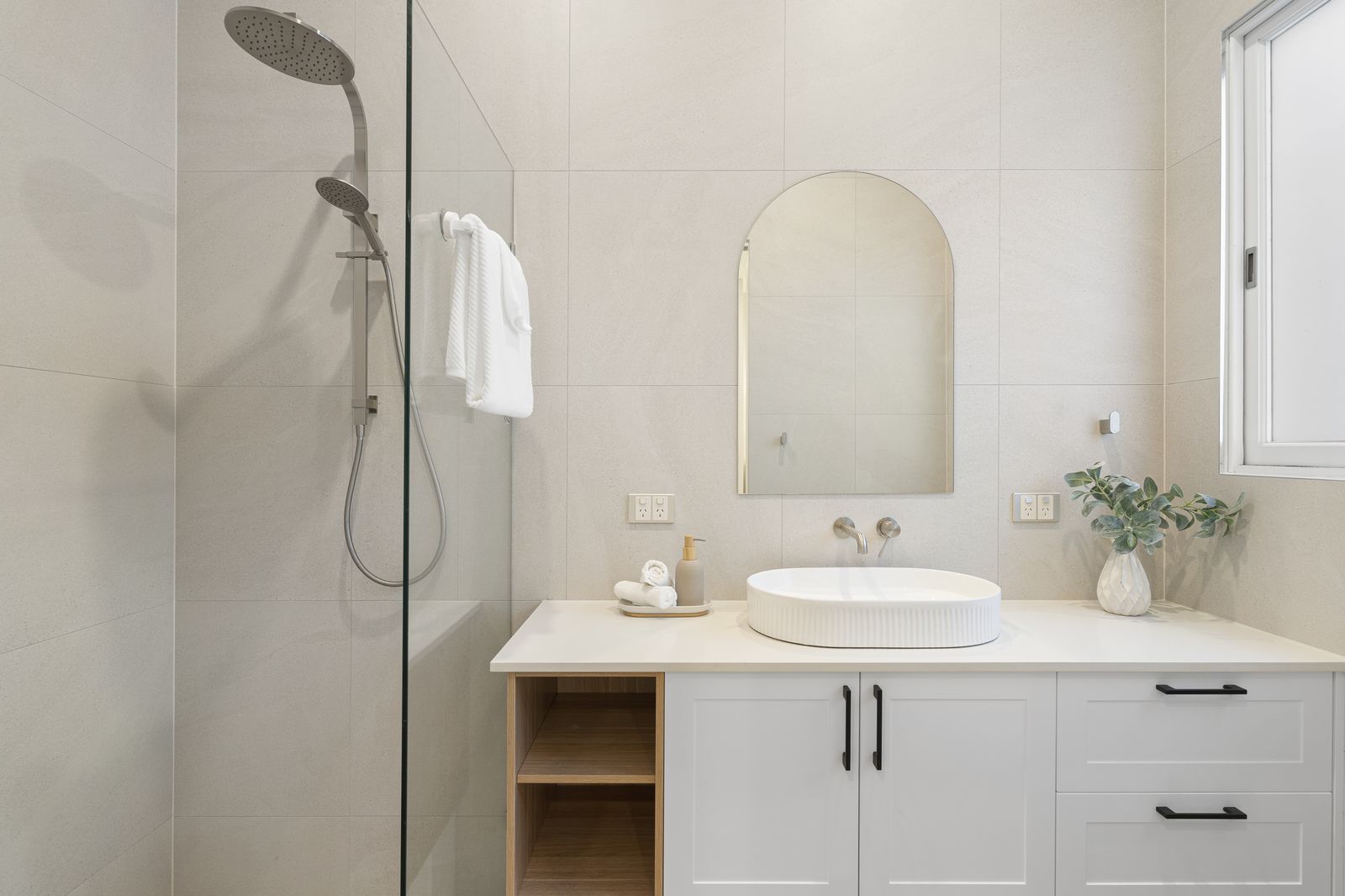
Inside PSVN’s Overnight Video Post-Production Workflow (US & AU Studio Case Studies)
When you upload your raw .MP4 or .MOV clips (including S-Log3, C-Log, N-Log, or standard Rec.709 profiles) alongside your RAW photo brackets, PSVN’s dedicated video editors and Layer-2 QC team execute a standardized 7-step post-production pipeline overnight:
| Video Editing Step | Technical Execution in Premiere Pro / DaVinci Resolve | Studio Value for Your Realtor Client |
|---|---|---|
| 1. Culling & Storyboard Sequencing | Selecting the sharpest 2–3 seconds of each gimbal move to create a natural room-to-room flow. | Eliminates shaky starts/stops and keeps viewer retention above 70%. |
| 2. Optical Flow Speed Ramping | Smooth 100% → 400% → 100% velocity ramps between rooms, synced to music beats. | Creates the modern, energetic luxury tour pace agents love on Instagram and YouTube. |
| 3. Gimbal Warp Stabilization | Sub-pixel stabilization on handheld or windy drone clips without edge warping. | Makes compact mirrorless gimbal footage look like a heavy cinema rig. |
| 4. Rec.709 Colour Grading & White Balance | Matching interior skin tones, neutral white ceilings, and vibrant exterior skies to your photo gallery. | Ensures your video and hand-blended Flambient photos share one cohesive brand look. |
| 5. Licensed Audio & Sound Design | Beat-matching royalty-free commercial music with subtle whoosh transitions and ambient audio levelling. | Zero copyright strikes on Instagram Reels, TikTok, Facebook Ads, or YouTube. |
| 6. Motion Graphics & Agent Branding | Adding lower-third agent intro/outro cards, property address titles, and animated feature callouts. | Turns every video into a lead-generation asset for your realtor client. |
7. Dual Aspect Ratio Export (16:9 + 9:16) | Exporting 1080p/4K 16:9 horizontal for MLS/YouTube plus reframed 9:16 vertical for Reels/TikTok. | Lets you sell two deliverables from a single 15-minute shoot. |
How to Shoot Once and Sell Both 16:9 Walkthroughs and 9:16 Vertical Reels
In 2026, real estate agents in the US, Australia, and the UK demand vertical 9:16 reels for Instagram, TikTok, and Meta Ads just as much as horizontal 16:9 MLS videos. Instead of mounting two cameras or shooting every room twice, shoot horizontally in 4K (3840 × 2160) at 60fps keeping your primary subject centred within the middle third of the frame.
When our video editors cut your vertical 9:16 reel, we reframe and keyframe the 4K horizontal master so the kitchen island, fireplace, or agent on-camera walk-and-talk stays perfectly centred in vertical 1080 × 1920 resolution without losing sharpness. As shown in our 2026 real estate photo editing pricing guide, our $12.00–$20.00 USD (A$18.00–A$30.00 AUD · £10.00–£16.00 GBP) video rate makes bundling a vertical social reel effortless.
Why Overnight 12–24h Video Delivery Wins Repeat Agency Accounts
As we highlighted in our study on how fast delivery is becoming a competitive advantage in real estate media, realtors hate waiting 4 to 5 days for their property video while their photos go live on Day 1. When your studio delivers the edited photo gallery, the 2D/3D floor plan, the Day-to-Dusk hero image, and the edited walkthrough video all within 12 to 24 hours, your clients launch their complete social media campaign on listing day.
Every video edited at PSVN is reviewed by our 2-Layer Quality Control team to verify smooth speed-ramp transitions, accurate spelling on property title graphics, clean audio fades, and zero gimbal micro-jitters before delivery.
Frequently Asked Questions: Outsourced Real Estate Video Editing
Can PSVN edit agent-intro walk-and-talk videos with lapel mic audio?
Yes. Upload your agent on-camera intro/outro clips along with your property b-roll. Our editors clean up vocal audio (removing wind or room echo), add animated lower-third name/contact titles, duck the background music under the voiceover, and cut seamlessly into the speed-ramped property tour.
What is the best way to upload 5 GB to 15 GB of raw 4K video clips overnight?
Most of our US, Australian, and UK studio partners upload raw 60fps clips via Dropbox, Google Drive, WeTransfer, or Box (or create proxies in Lightroom/Premiere before uploading). Our 24/6.5 production team begins downloading as soon as your link is submitted.
Does the PSVN Free Trial include a free real estate video edit?
Yes! When you start your 100% Free Trial with PSVN—no credit card required—we edit 3 RAW bracketed photo sets + 1 full property video clip 100% FREE within 12–24 hours, plus give you a 10% discount on your first month’s invoice.
Related Articles

Comment